TekMatix Help Blog
Search Help Categories
Use the search bar below to look for help articles you need.
How to Use Every New Tekmatix Feature (November 2026)
Every new Tekmatix feature from November 2026 in one place: Meeting Rooms, AI employees, email AI, project management and more, with a guide for each. ...more
CRM ,Email Course Creation Communities &Business tips
November 04, 2026

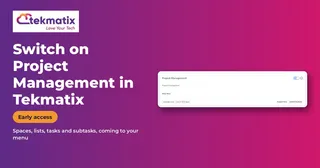
How to Switch On Project Management in Tekmatix (Early Access)
How to switch on Project Management in Tekmatix Labs for early access to spaces, lists, tasks and subtasks, and what to expect as it rolls out to your account. ...more
CRM ,Settings &Business tips
November 04, 2026
How to Get Your AI Receptionist to Answer WhatsApp Calls in Tekmatix
How to set up Voice AI to answer WhatsApp calls in Tekmatix: ring your team first, go straight to AI, or use AI as the backup when nobody picks up. ...more
CRM ,Settings &Business tips
November 04, 2026

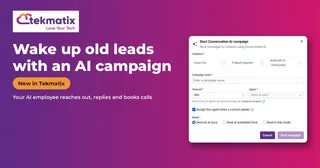
How to Wake Up Old Leads With an AI Campaign in Tekmatix
How to run an AI campaign in Tekmatix that reaches out to old leads, past customers or stalled deals, handles replies and books appointments for you. ...more
CRM ,Campaign &Business tips
November 04, 2026
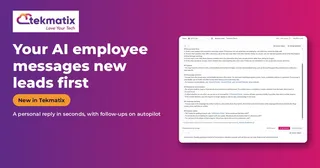
How to Set Up an AI Employee That Messages New Leads First in Tekmatix
How to set up an outbound AI employee in Tekmatix that messages new leads first after a form, missed call or deal change, then follows up until they reply. ...more
CRM ,Campaign &Business tips
November 04, 2026
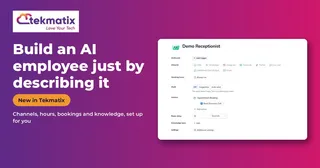
How to Build an AI Employee in Tekmatix Just by Describing It
How to build a Conversation AI employee in Tekmatix by describing it in plain English or starting from a template, then refining it by chat. Step by step. ...more
CRM ,Workflow &Business tips
November 03, 2026•3 min read
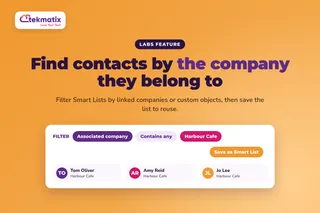
How do I filter my contacts by company or custom object on Tekmatix?
Filter your contacts by company or custom object on Tekmatix. Use association columns and filters in Contact Smart Lists, then save the list to reuse it. ...more
CRM ,Contacts Company &Marketing
October 29, 2026
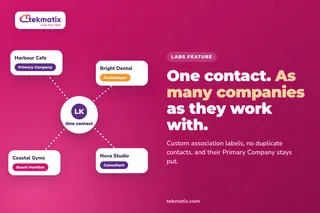
How do I link one contact to more than one company on Tekmatix?
Link one contact to more than one company on Tekmatix using custom association labels. Keep one record, keep their Primary Company and label every link. ...more
CRM ,Contacts Company &Tekmatix
October 29, 2026
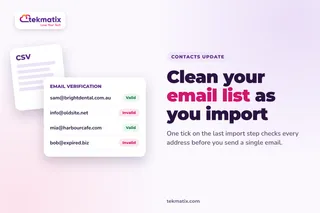
How do I clean my email list when I import contacts on Tekmatix?
Clean your email list when you import contacts on Tekmatix. Tick email verification on the last import step, then filter contacts by Email Verification Status. ...more
CRM ,Email Deliverability Email Contacts &Marketing
October 29, 2026
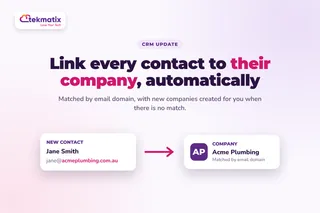
How do I automatically link contacts to their company on Tekmatix?
Link contacts to their company automatically on Tekmatix. Switch on company automations and contacts are matched by email domain, with new companies created. ...more
CRM ,Contacts Company &Automations
October 29, 2026