
TekMatix Blog & Help Articles
Use the search bar below to look for help articles you need.
How to Download Certificates and Badges in Tekmatix
Recognising and sharing achievements is now easier than ever in Tekmatix.
With the latest enhancements to certificates and badges, learners can quickly download their credentials as high-quality images, share them using a public link, and showcase their accomplishments across professional and social platforms.
Whether you've completed a course, earned a certification or unlocked a badge, Tekmatix makes it simple to display your achievements wherever they matter most.
What's New?
Download Certificates and Badges as High-Quality Images
Certificates and badges can now be downloaded as high-quality PNG images.
PNG files provide excellent image quality, making them ideal for:
Printing certificates
Adding badges to websites
Including credentials in digital portfolios
Creating presentations
Sharing achievements on social media
Using badges in branded graphics
Because PNG supports high-resolution images, your credentials remain clear and professional whether viewed online or printed.
Share Your Achievements with a Public Link
Each certificate and badge includes its own public sharing link.
Instead of downloading the file, you can simply copy the credential link and share it with employers, clients, colleagues or your professional network.
Recipients can view your credential directly without needing access to your Tekmatix account, making it easier to verify your achievement.
Share Directly to Popular Platforms
Sharing your accomplishments only takes a few clicks.
Depending on the platform you're using, you can share your certificate or badge directly to:
LinkedIn
Facebook
X (formerly Twitter)
WhatsApp
This makes celebrating your achievements and promoting your professional development faster and more convenient.
Add Certificates to Your LinkedIn Profile
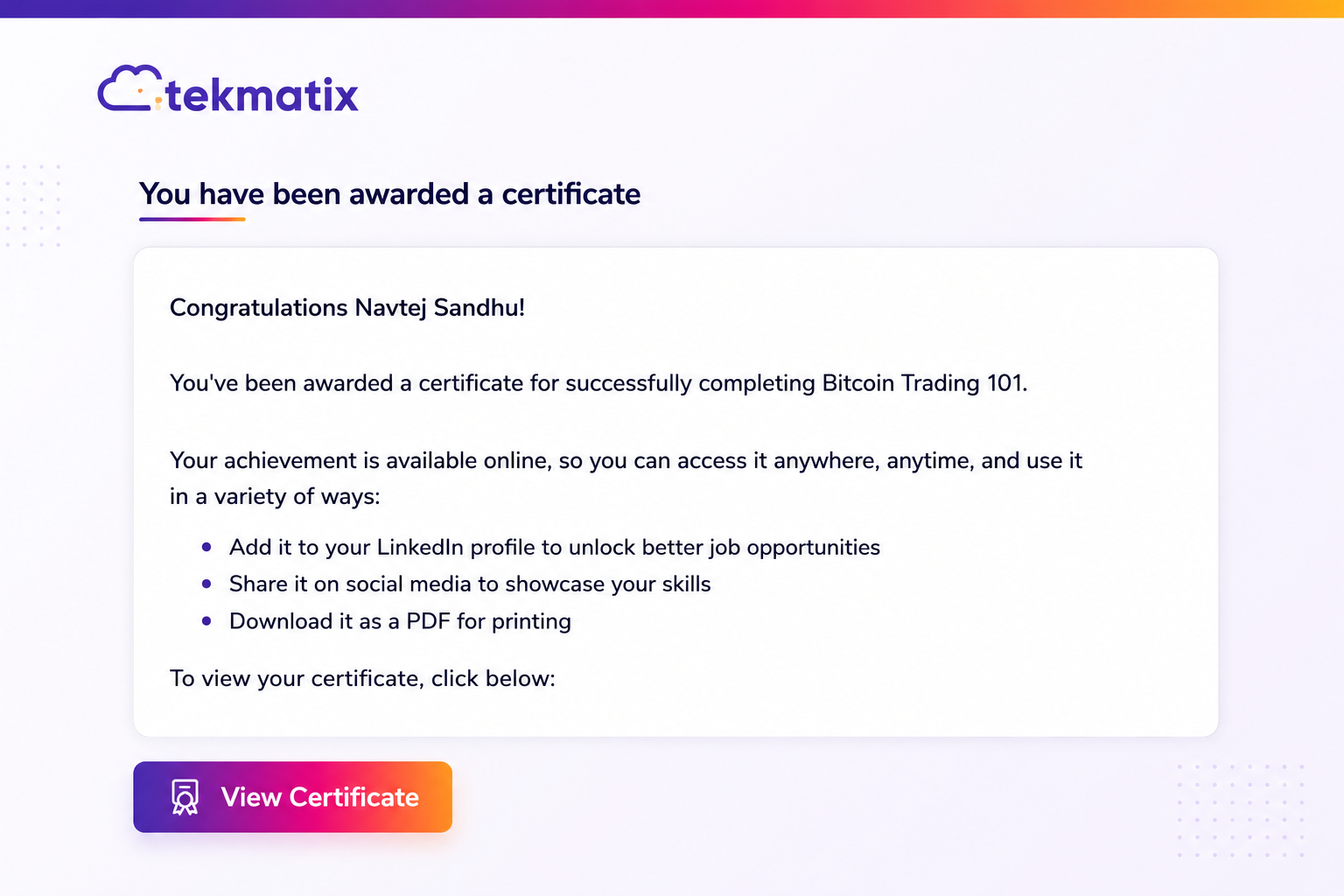
You can also add eligible certificates directly to your LinkedIn profile.
This provides an easy way to showcase completed training, certifications and professional development to employers, clients and your professional network.
Faster Credential Downloads
Certificates are now generated when they are issued, allowing downloads to begin almost instantly.
This provides a smoother experience for learners by reducing waiting times and making credentials immediately available after completion.
Why This Update Matters
Digital credentials help demonstrate skills, celebrate milestones and showcase professional development.
With improved downloading and sharing capabilities, learners can:
Download high-quality certificate and badge images
Share credentials using a public verification link
Promote achievements across social media
Add certifications to LinkedIn
Include credentials in websites and digital portfolios
Print certificates for display or record keeping
Share achievements with employers, clients and professional organisations
These improvements make it easier than ever to use your credentials wherever they provide the most value.
How to Download a Certificate or Badge
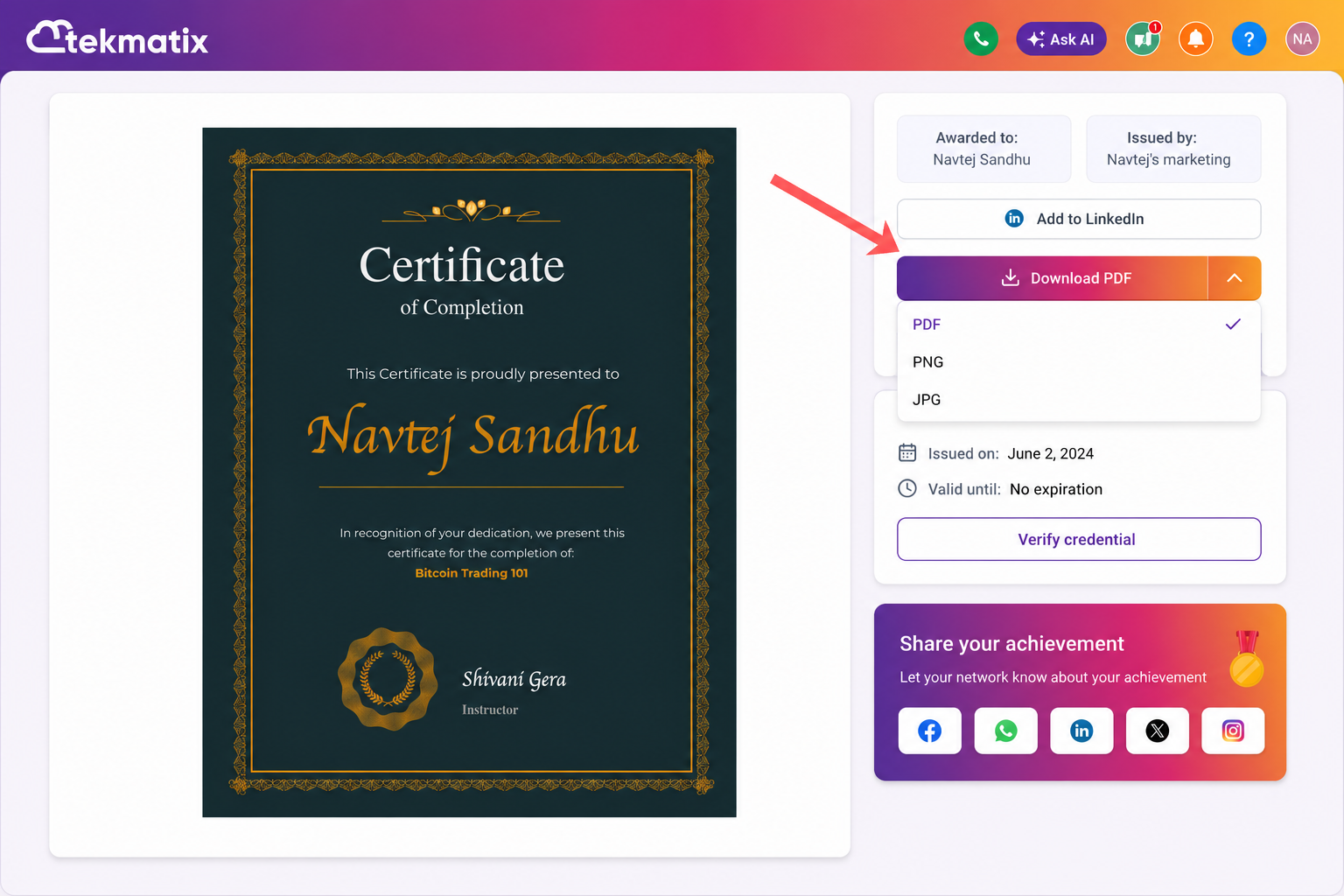
To download your credential:
Open the certificate or badge you want to download.
Click Download.
Save the PNG file to your device.
Print or share your credential wherever you choose.
How to Share Your Credential
To share your certificate or badge:
Open the credential.
Select Share.
Choose one of the available sharing options or copy the public link.
Share your achievement with your audience.
A Better Credential Experience in Tekmatix
The latest improvements make it easier for learners to celebrate and showcase their achievements.
With high-quality downloads, public sharing links, direct social sharing and LinkedIn integration, certificates and badges become more valuable than ever—not only as proof of learning, but also as a way to build your professional profile and promote your accomplishments.
More enhancements to the Tekmatix credential experience are coming soon.

Copyright © 2026 TekMatix. All rights reserved | [email protected]