
TekMatix Blog & Help Articles
Use the search bar below to look for help articles you need.
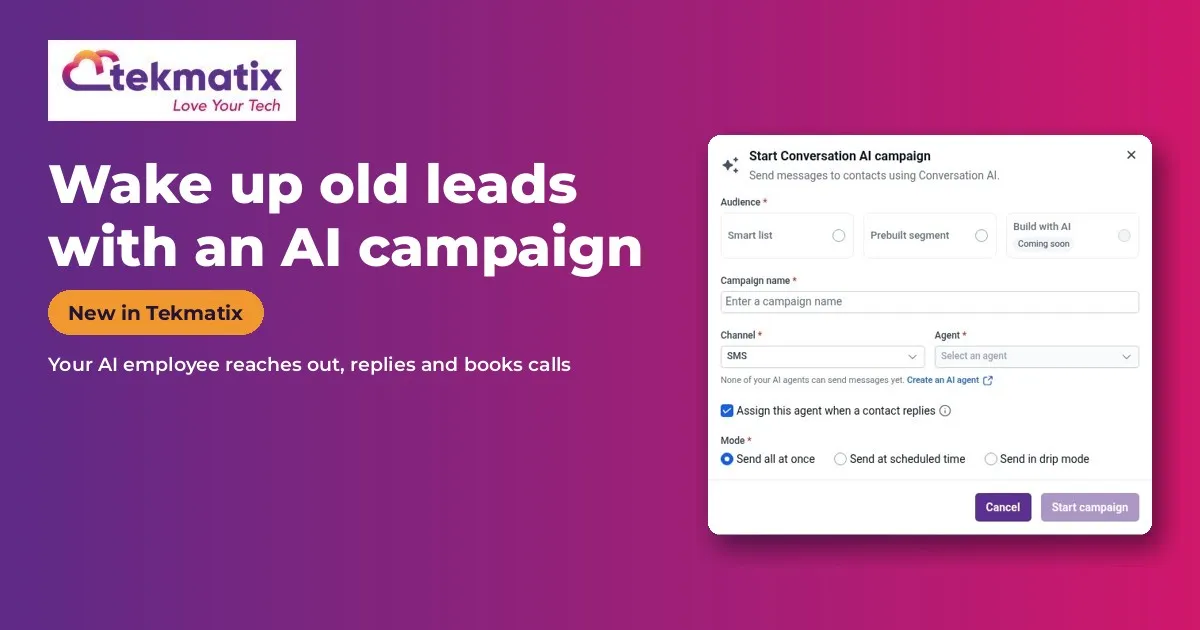
How to Wake Up Old Leads With an AI Campaign in Tekmatix
Quick answer: AI Campaigns let your Conversation AI employee reach out to a whole group, such as old leads, past customers or stalled deals, then handle the replies and book appointments. Switch on Conversation AI | Outbound AI Agents in Labs, set up an Auto-Pilot agent, then go to Contacts > AI Campaign.
What it does
Your contact list is full of people who were interested once. An AI campaign sends each of them a personal message, follows up, and turns replies into real conversations.
Choose to send now, schedule it, or drip it out over time.
Why you'll love it
Made for businesses with old leads and past customers.
- Turn your old list into new bookings
- Personal outreach at scale, without writing each message
- Replies handled for you, including questions and objections
Step 1: Switch it on
This is an early access feature. You can switch it on now in Labs, before it's automatically rolled out to every account. While you're in Labs, have a look around. There are other new features you can switch on early too.
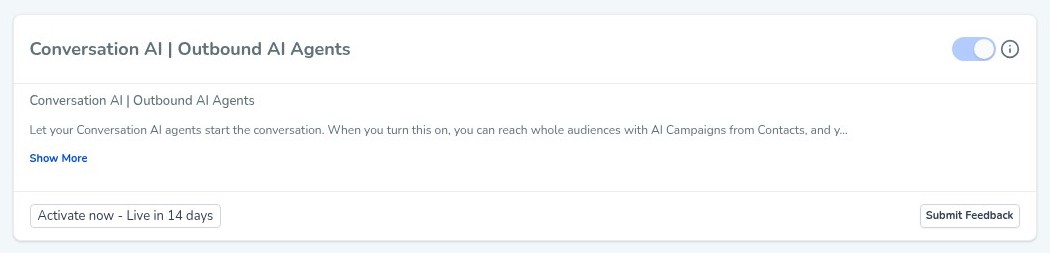
Good to know: when you switch this one on, Tekmatix asks you to confirm, because once it's on it can't be switched off again. That's fine, because it's being rolled out to every account automatically anyway. Switching it on now just gets you in early.
Step 2: Set it up, step by step
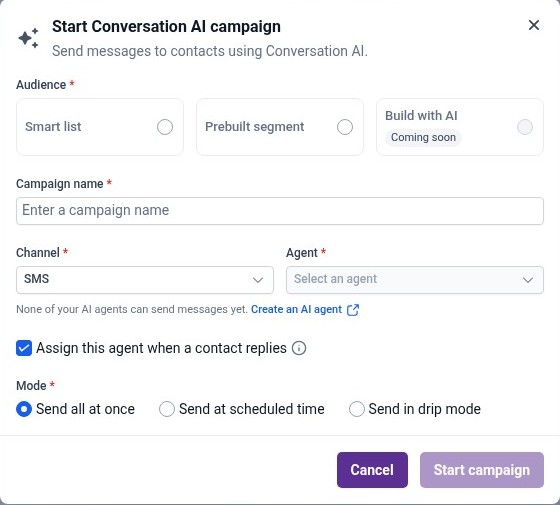
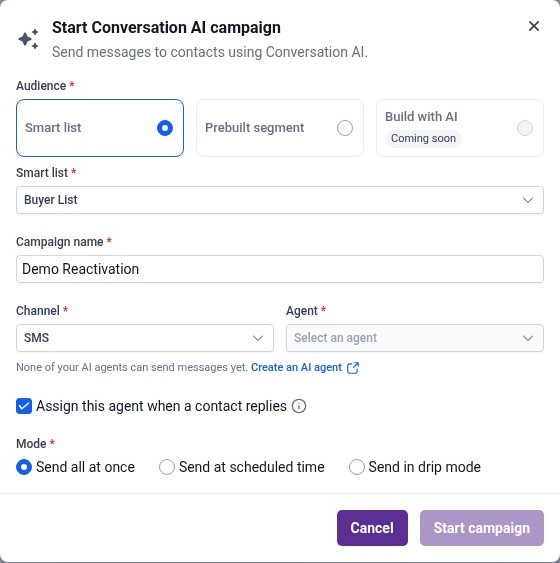
Or just tell your AI
Use Ask AI inside Tekmatix, or your own AI (Claude, ChatGPT or GrokBot) connected to your account. It shows you what it will do before it does it.
- Only contact people with consent, and follow your local SMS and spam rules.
- Texts and AI usage are pay as you go.
- Because it's early access, you may see small improvements to the screens as it rolls out to every account.
You stay in control. Your AI shows you what it will do and asks before it creates, changes, deletes or sends anything.
Frequently asked questions
Who should I send an AI campaign to?
Old leads, past customers or stalled deals who agreed to hear from you.
Can I spread the messages out?
Yes. Choose scheduled or drip.
What happens when someone replies?
The agent switches into a live conversation, answers questions and can book them in.
Want to see what else is new? Read all the new features in Tekmatix and how to use Meeting Rooms.
Want a hand setting it up?
Already a Tekmatix customer? Jump on one of our free daily training calls and a Tekspert will switch it on and walk you through it, live.
Book a free training callNot on Tekmatix yet? Tekmatix is the all-in-one business platform you run by talking to AI. One subscription, unlimited users, and real human Teksperts 24/7.
See how Tekmatix worksSarah x
Warning: you may get addicted to your productivity.

Copyright © 2026 TekMatix. All rights reserved | [email protected]