
TekMatix Blog & Help Articles
Use the search bar below to look for help articles you need.
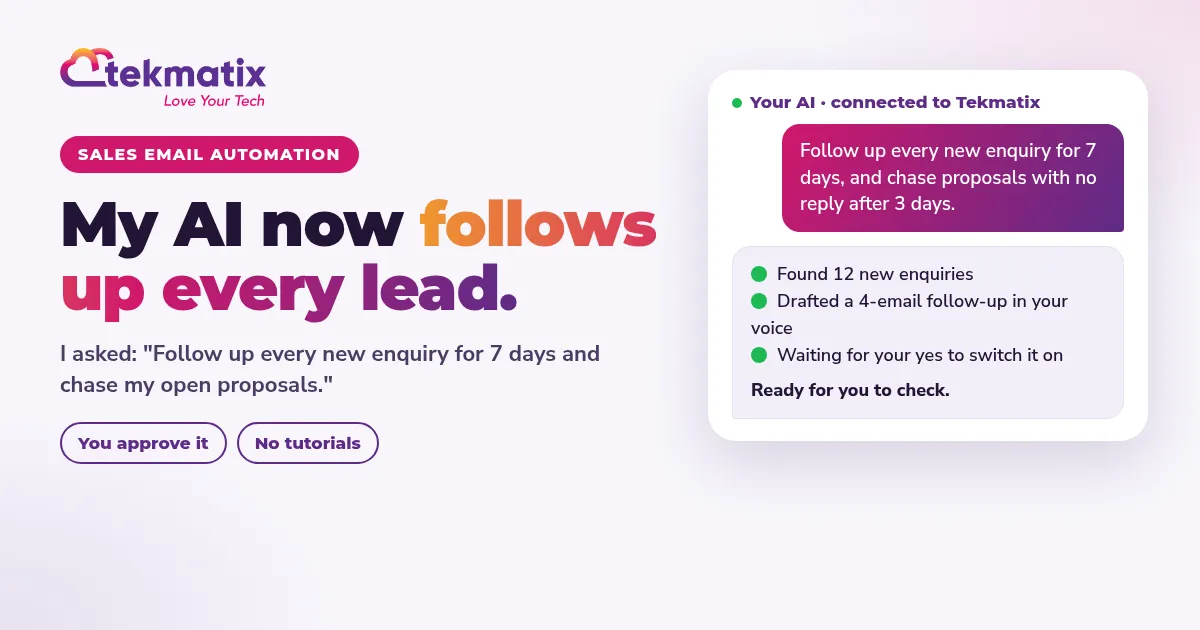
Sales Email Automation: How to Follow Up Every Lead Without Lifting a Finger
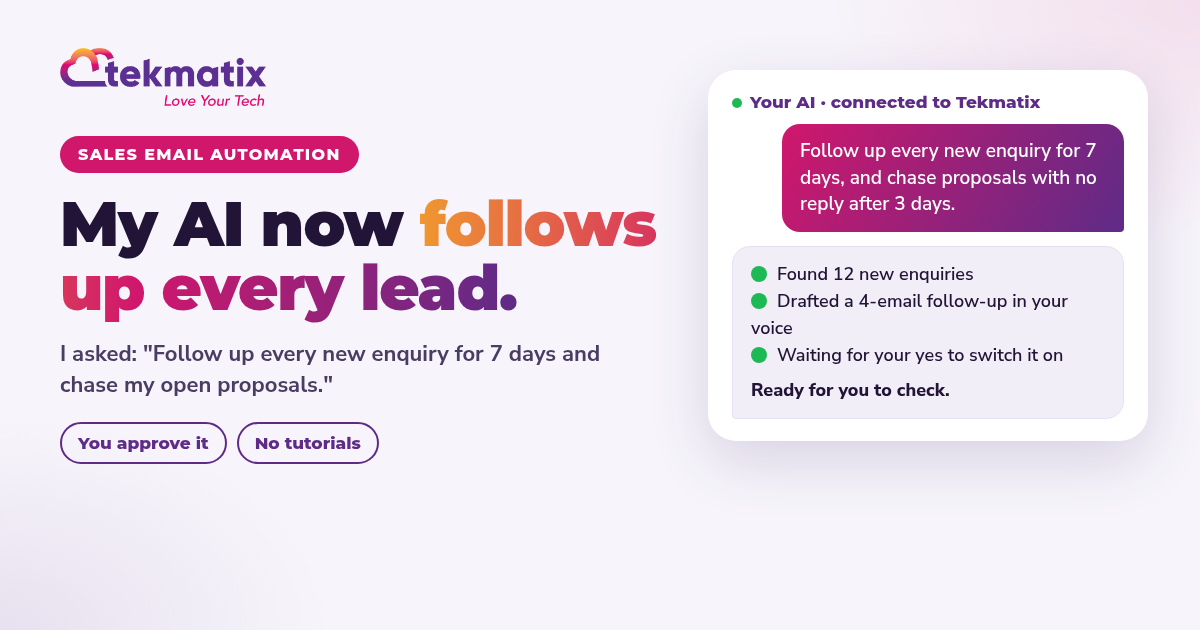
Quick answer: Sales email automation sends the right sales email at the right moment without you remembering to do it. A new lead gets a reply in minutes. Someone who goes quiet gets a friendly nudge. A quote that sits unanswered gets a check-in. In Tekmatix you don't have to learn the software to set it up: you tell your AI what you want, check what it drafts, and switch it on.
In short
- Most sales are lost to slow or forgotten follow-up, not to a bad offer.
- Five automated emails cover the biggest gaps: new enquiry, no-reply follow-up, proposal follow-up, abandoned cart and win-back.
- In Tekmatix you can set them up by chatting to your AI, from your phone if you like.
- You stay in control. Nothing is sent until you have checked it and said yes.
What is sales email automation?
Sales email automation is a set of emails that send themselves when a lead or customer does something, or doesn't. Instead of keeping a list of people to chase, the system remembers for you and sends a helpful, personal email at the right time.
Here's the jargon, translated:
Jargon buster. Sequence: a series of emails sent over days or weeks, for example day 0, day 2, day 5. Trigger: the event that starts the sequence, like a form being filled in or a quote being sent. Tag: a label on a contact, such as 'warm lead' or 'proposal sent', that tells the system who is who. Pipeline: the stages a deal moves through, from new enquiry to won or lost.
Put those together and you get CRM email automation: your contacts, deals and emails all in one place, talking to each other. When a deal moves to 'Proposal sent' in your pipeline, the follow-up starts. When the person books a call, it stops.
Why automated sales emails matter
Leads go cold fast. If someone enquires on Monday and hears back on Thursday, they have often already talked to someone else. Most business owners don't lose sales because they are bad at selling. They lose them because they are busy, and the follow-up slips.
Email automation for sales fixes the busy part. Every lead gets a reply, every quote gets a check-in, and nobody falls through the cracks, even on the days you are flat out delivering for clients.
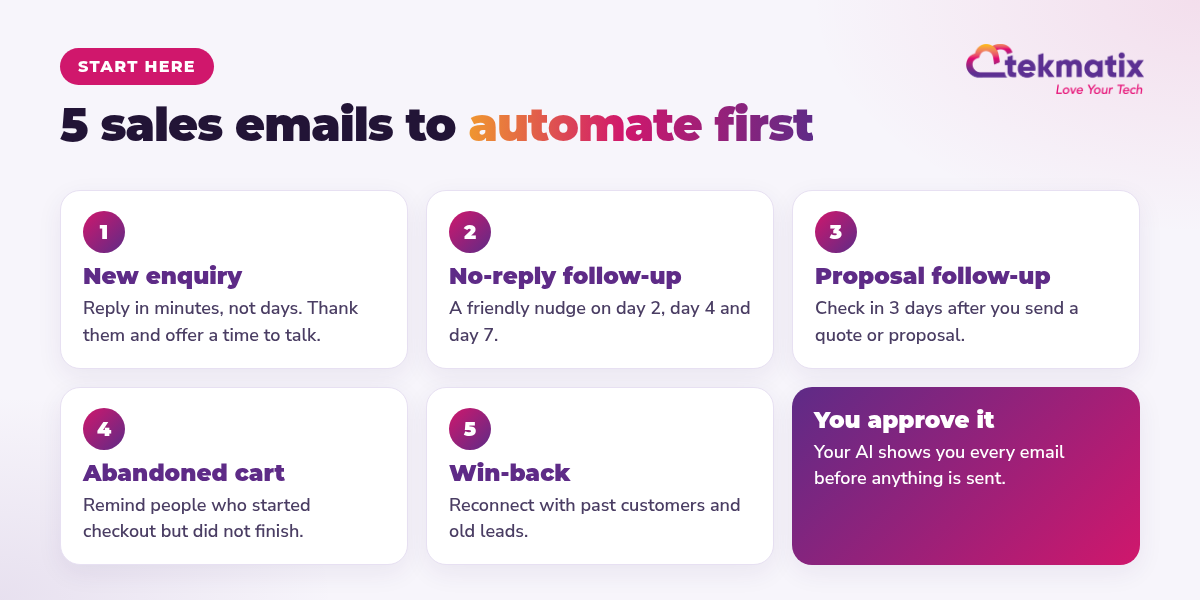
The 5 sales emails to automate first
1. The new enquiry reply
Trigger: someone fills in your contact form, books a call or messages you. What it does: thanks them by name, answers the most common question and offers a time to talk. Speed matters most here, so this one goes out within minutes.
2. The no-reply follow-up
Trigger: no reply after your first email. What it does: two or three short, friendly nudges, for example on day 2, day 4 and day 7. Each one adds something useful: a quick tip, a client story or a simple question. The sequence stops the moment they reply.
3. The proposal follow-up
Trigger: a quote or proposal is sent, or a deal moves to 'Proposal sent' in your pipeline. What it does: checks in after 3 days, answers likely questions and makes it easy to say yes or book a quick call. This is where a lot of money quietly goes missing.
4. The abandoned cart reminder
Trigger: someone starts your checkout but doesn't finish. What it does: a gentle reminder with a direct link back to the order form, then a second email that answers the usual worries, like how payment works or what happens next.
5. The win-back email
Trigger: a past customer or an old lead has been quiet for a while, for example 90 days. What it does: reconnects with something new and relevant, such as an offer, a new service or a helpful resource, and invites them back.
How to set up sales email automation in Tekmatix by telling your AI
This is where it gets fun. You don't need to learn the software, watch tutorials or drag boxes around a screen. Tell your AI what you want. Make a cuppa. Done. (Well, almost. You still check it before it goes live.)
There are two ways to do it. Ask AI is the AI tech assistant built into every Tekmatix account. It can write emails, find the right contacts, tag them and send. For full automated sequences that run on their own, connect the AI you already use, such as Claude, ChatGPT or GrokBot, with browser control. It can build the workflow inside your account for you. Here's the guide to connecting ChatGPT to Tekmatix.
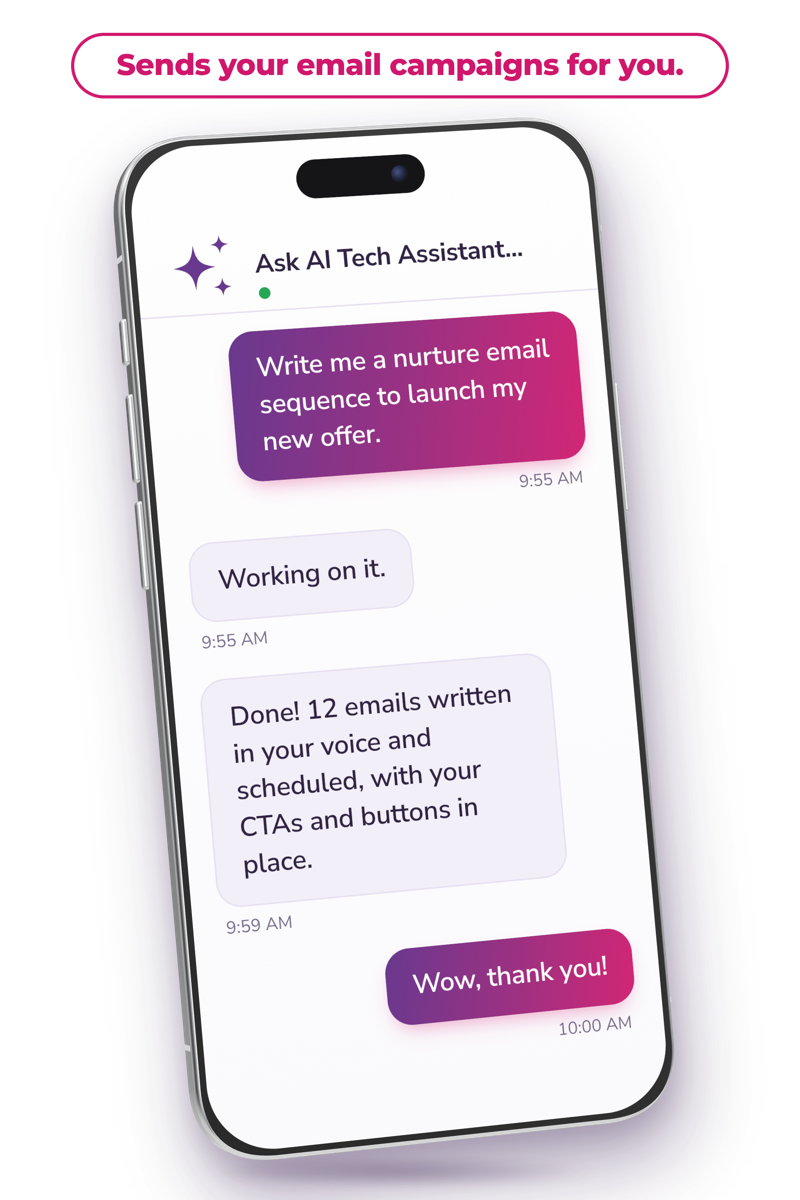
Paste-ready prompts for automated sales emails
Copy these straight into Ask AI or your own connected AI. Change the bits in square brackets.
- Ask AI can write and send emails, tag contacts and move deals. Building a full automated workflow is a job for your own AI with browser control.
- Your AI asks before it creates, changes, deletes or sends anything, so you always have the final say.
- The better your Business Brain and Brand Voice setup, the more the drafts sound like you.
You stay in control. Your AI shows you what it will do and asks before it creates, changes, deletes or sends anything.
How to stay out of spam and keep it human
Automation should make you more personal, not less. These habits keep your sales follow-up emails landing in the inbox and getting replies:
- Send from your own domain and make sure your sender authentication is set up. Ask a Tekspert if you're not sure.
- Only email people who gave you their details, and include an easy unsubscribe link in every email.
- Write like you talk. Short emails, first names, one clear question. No walls of text and no shouty subject lines.
- Stop when they respond. Nothing kills trust faster than a 'just checking in' after someone already said yes.
- Space them out. Two to four days between follow-ups is plenty for most businesses.
- Clean your list. Remove contacts that bounce and stop emailing people who never open.
- Read every draft before it goes live. AI is fast, but you know your customers best.
What you'll need
Tekmatix brings your CRM, pipelines, forms, email, bookings and payments into one subscription, so your automated email sequences can see what each lead is doing. Emails, texts, calls and AI usage are pay as you go. You can see the current plans on the pricing page.
Frequently asked questions
What is sales email automation?
Sales email automation means your sales emails send themselves when something happens, like a new enquiry, a quote that gets no reply or a cart that is left behind. You write the emails once, set the rules, and every lead gets followed up on time.
Which sales emails should I automate first?
Start with five: the new enquiry reply, the no-reply follow-up, the proposal follow-up, the abandoned cart reminder and the win-back email. Together they cover the moments where most sales slip through the cracks.
Will automated sales emails feel robotic?
Not if you write them like a person. Use their first name, keep each email short, talk about their problem, and stop the sequence the moment they reply or book. Automation handles the timing. You still decide the words.
Can my AI set up sales email automation in Tekmatix for me?
Yes. Ask AI inside Tekmatix can write and send emails to the contacts you choose. For full automated sequences, connect the AI you already use, such as Claude, ChatGPT or GrokBot, with browser control, and it can build the workflow in your account. You review and approve before anything goes live.
Will the AI send emails without asking me?
No. Your AI shows you what it plans to do and asks before it creates, changes, deletes or sends anything.
How do I stop automated sales emails going to spam?
Send from your own domain, set up your sender authentication, only email people who gave you their details, include an easy unsubscribe link, keep emails short and personal, and remove contacts who bounce.
What does sales email automation cost in Tekmatix?
Email automation is part of your Tekmatix subscription. Emails, texts, calls and AI usage are pay as you go, so you only pay for what you send. See the current plans on the pricing page.
Ready to follow up every lead without lifting a finger?
Tell your AI what you want done, check it, and get back to the work you love. Warning: you may get addicted to your productivity.
See how Tekmatix works
Copyright © 2026 TekMatix. All rights reserved | [email protected]