
TekMatix Blog & Help Articles
Use the search bar below to look for help articles you need.
How to Enable Two-Step Checkout in Tekmatix Store Builder
Overview
Giving customers a smooth checkout experience can have a significant impact on your conversion rates. That's why Tekmatix now gives store owners more flexibility by allowing them to choose between One-Step Checkout and Two-Step Checkout directly within the Store Builder.
Whether you prefer a streamlined checkout process or want to capture customer details earlier in the buying journey, you can now customise the checkout experience to suit your business and customers.
What's New?
Choose Your Checkout Experience
A new Checkout Type setting has been added to the Checkout element within the Store Builder.
You can now select between:
One-Step Checkout
Two-Step Checkout
This setting gives you greater control over how customers progress through the purchasing process.
How Two-Step Checkout Works
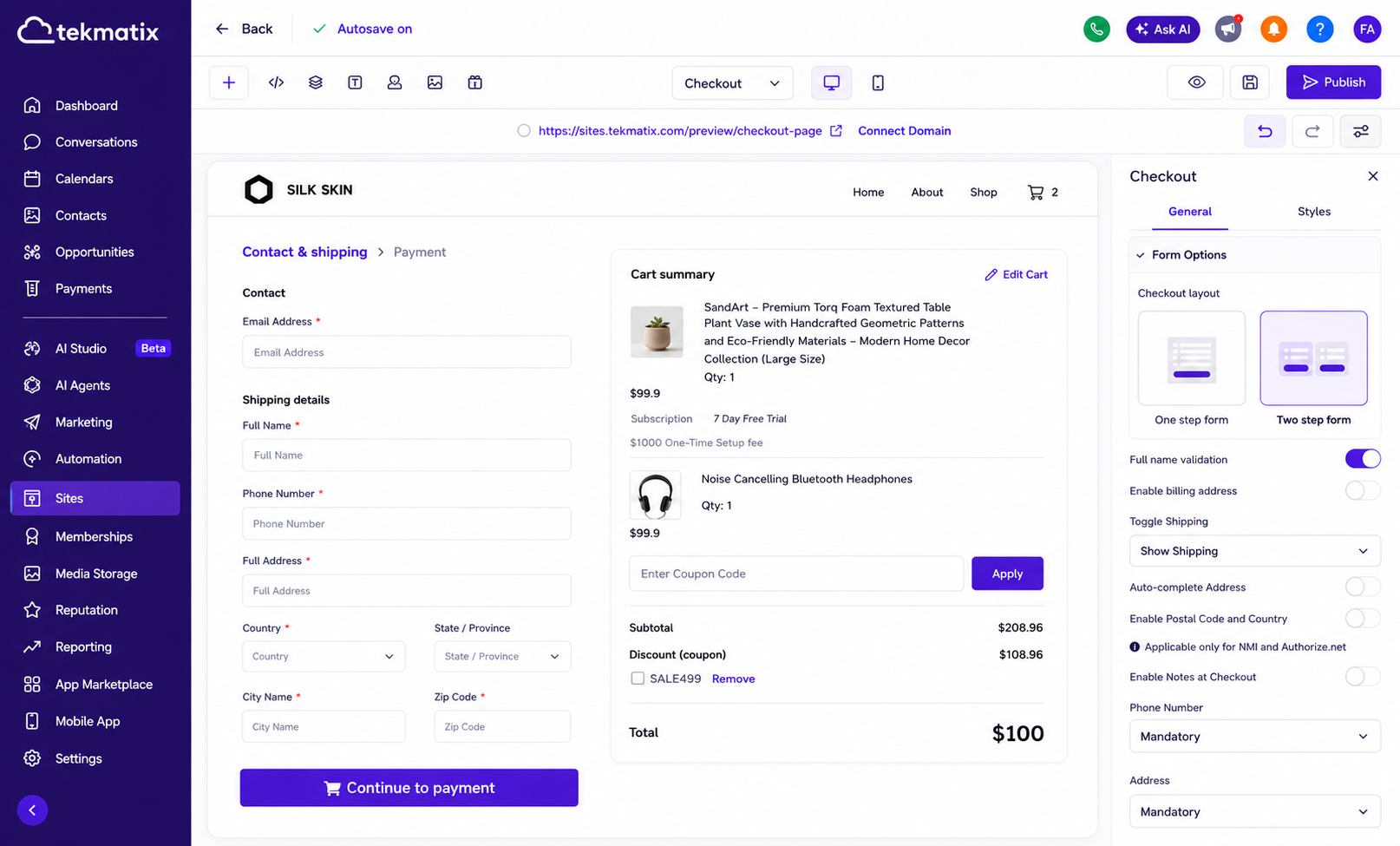
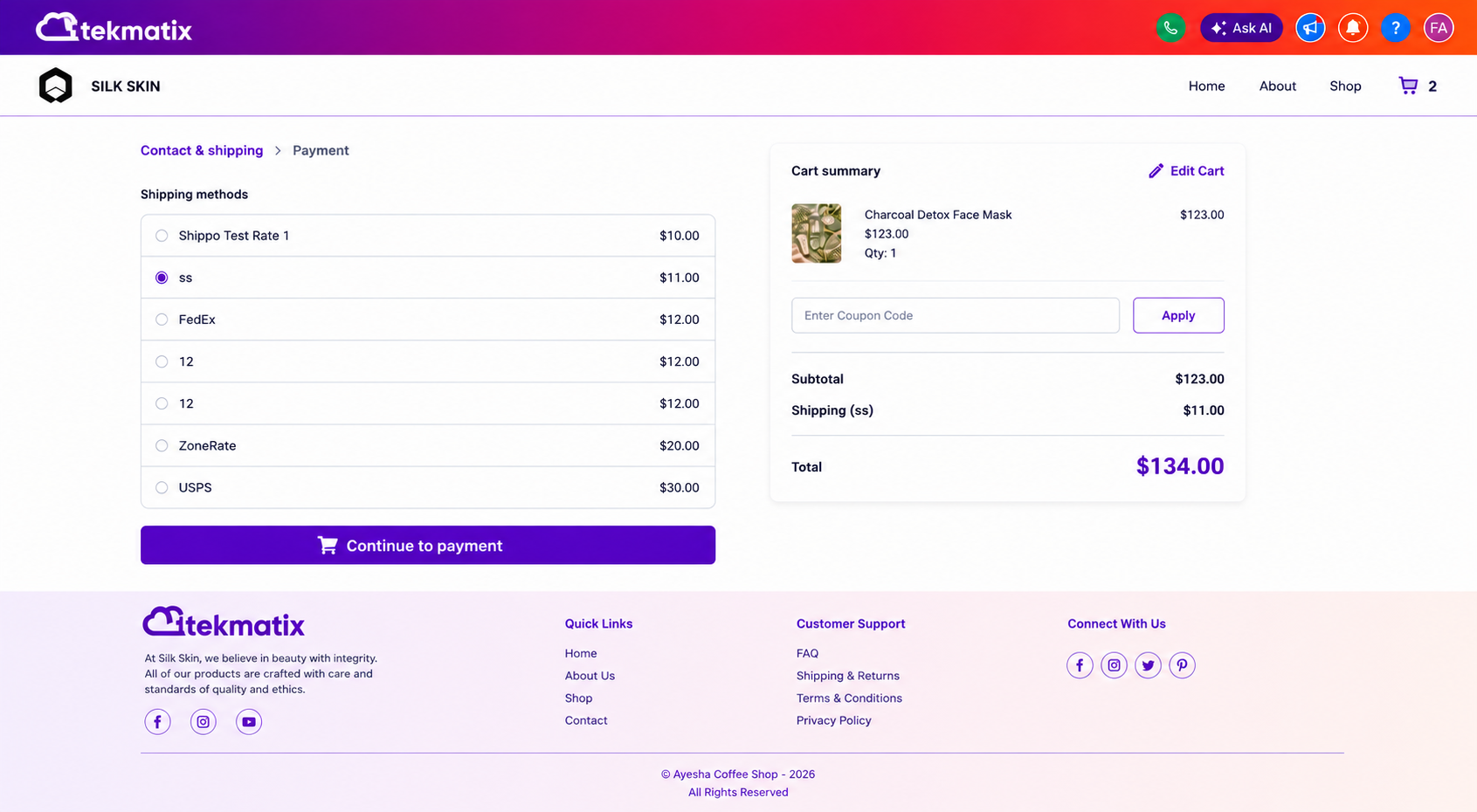
When Two-Step Checkout is enabled, customers complete their purchase in two stages.
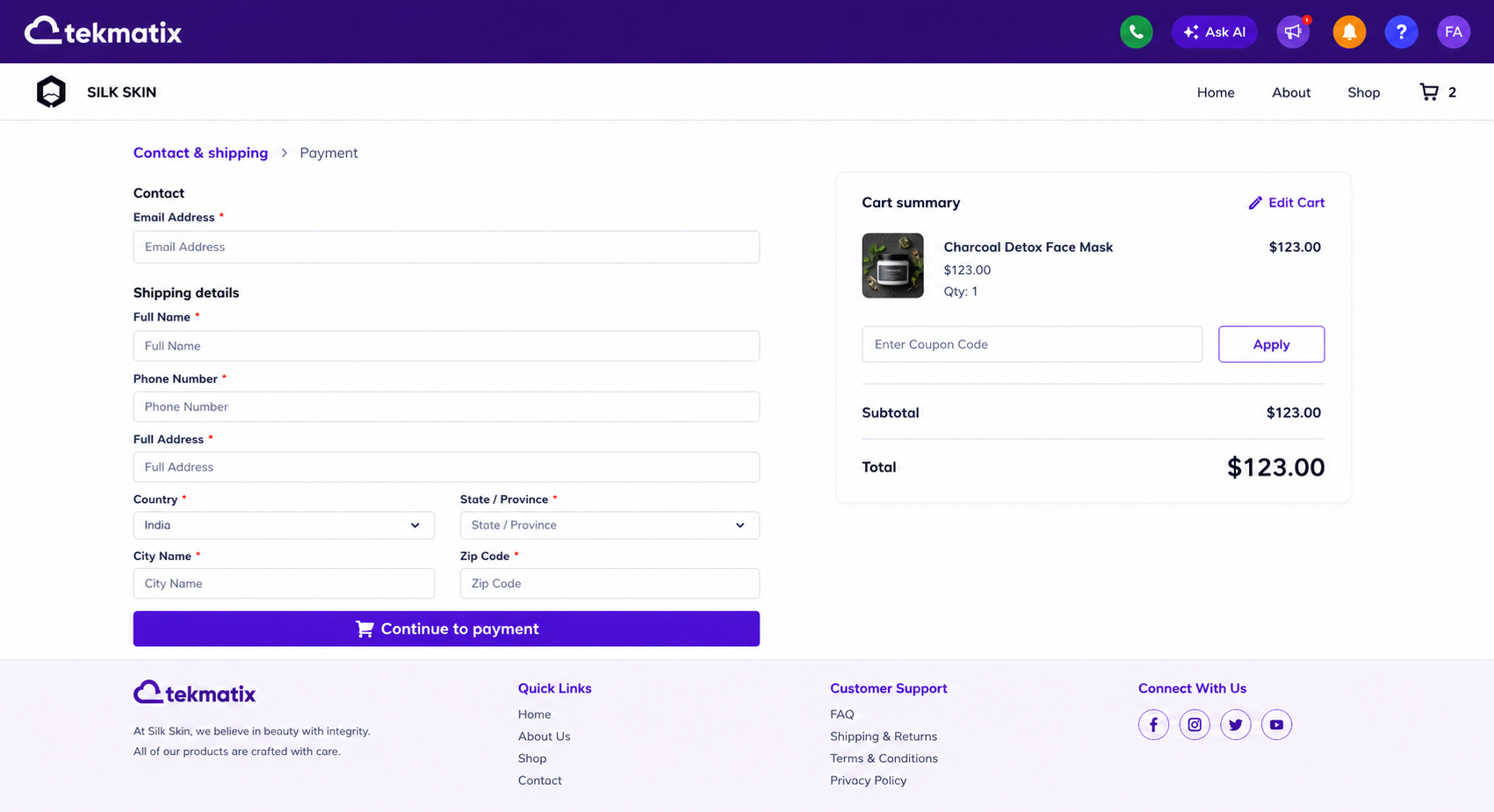
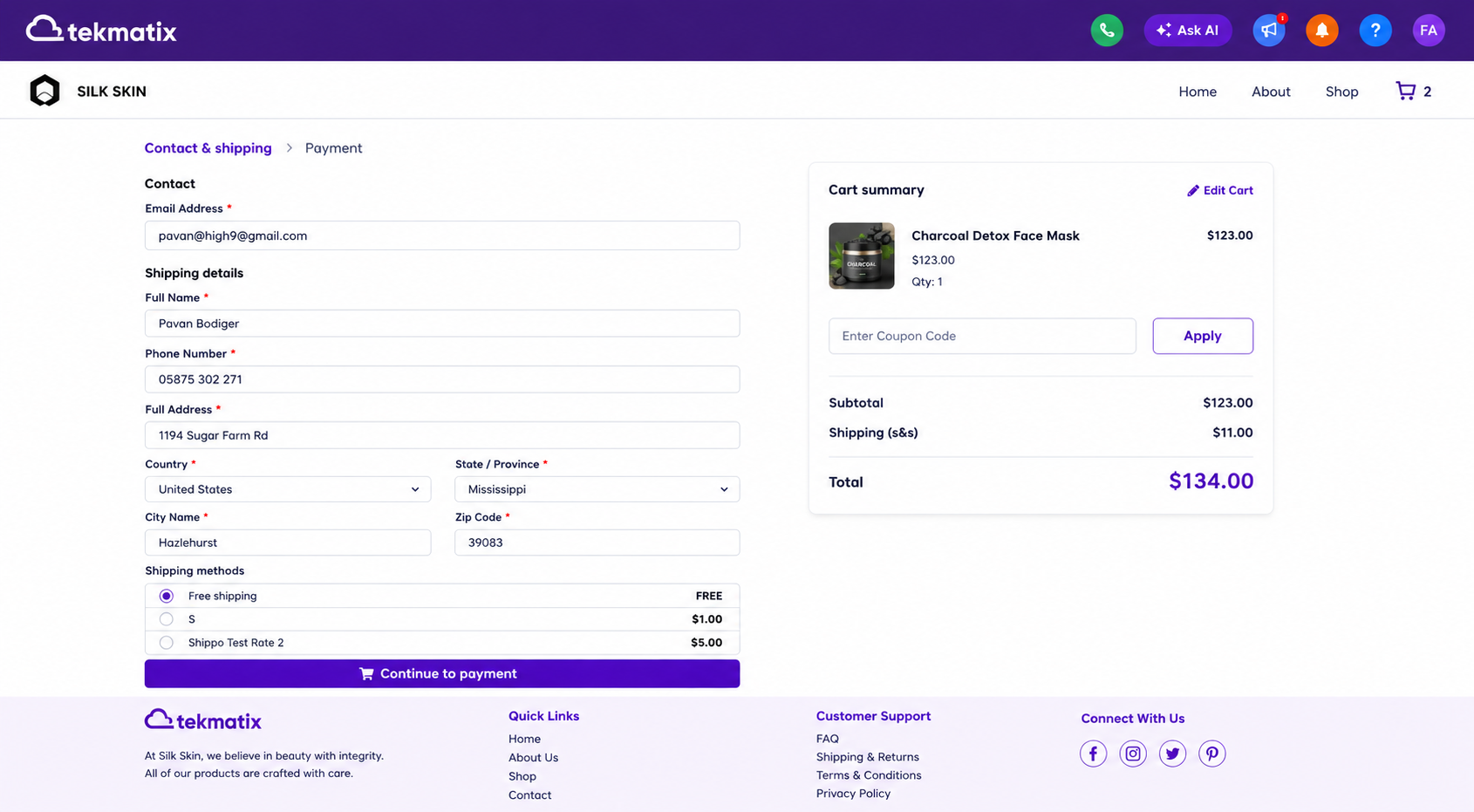
Step 1: Customer Information & Shipping Details
Customers enter:
First Name
Last Name
Email Address
Phone Number
Shipping Information
Once all required information has been entered correctly, they can continue to the next step.
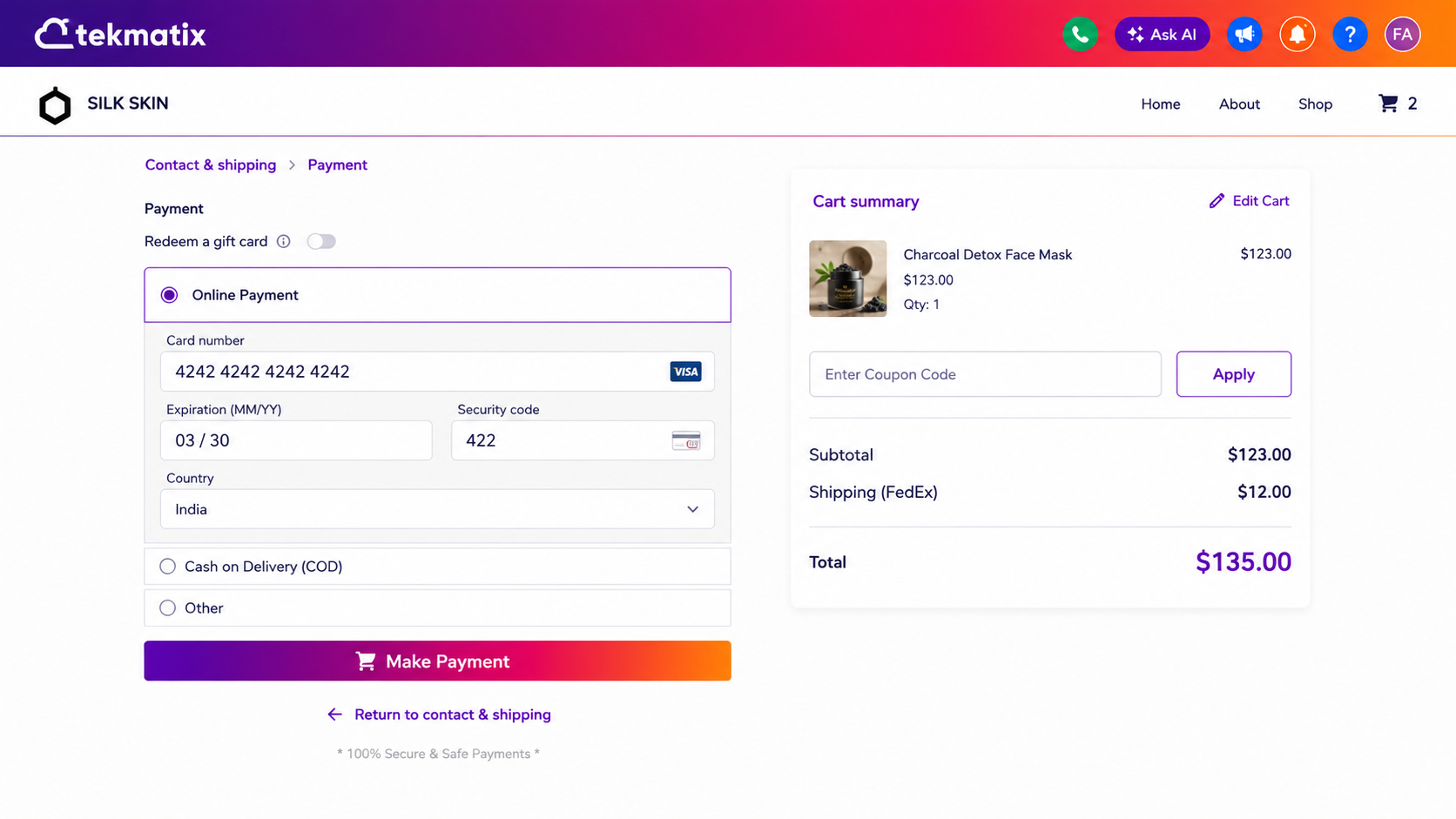
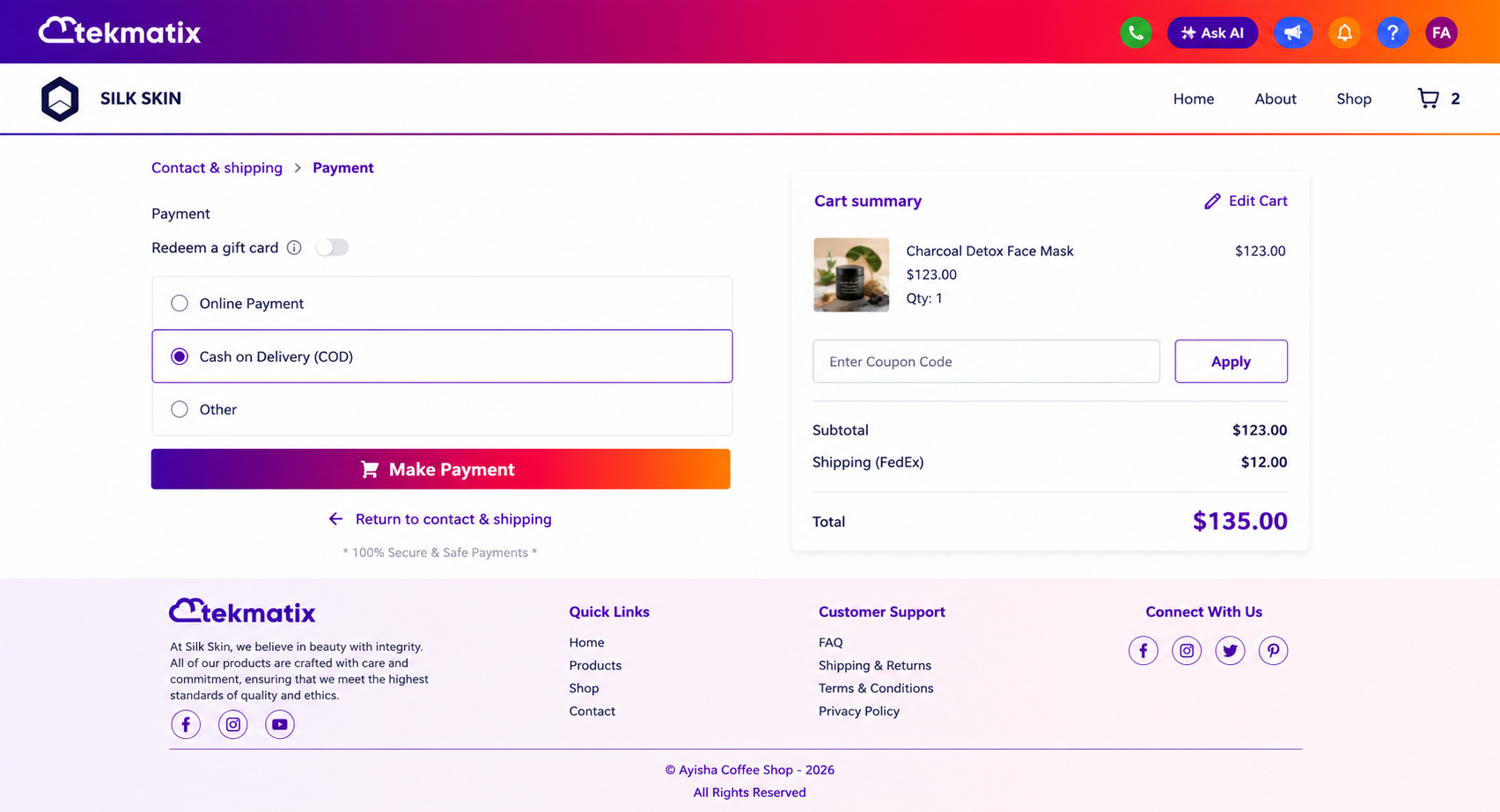
Step 2: Payment & Order Completion
Customers then complete:
Billing Information
Payment Details
Order Review
Place Order
This structure allows businesses to collect customer information earlier in the checkout process while maintaining a smooth purchasing experience.
Default Behaviour
No action is required for existing stores.
Existing Checkout Pages
One-Step Checkout remains the default option.
Existing checkout pages will continue to function exactly as they do today.
No changes are made unless you choose to update the Checkout Type setting.
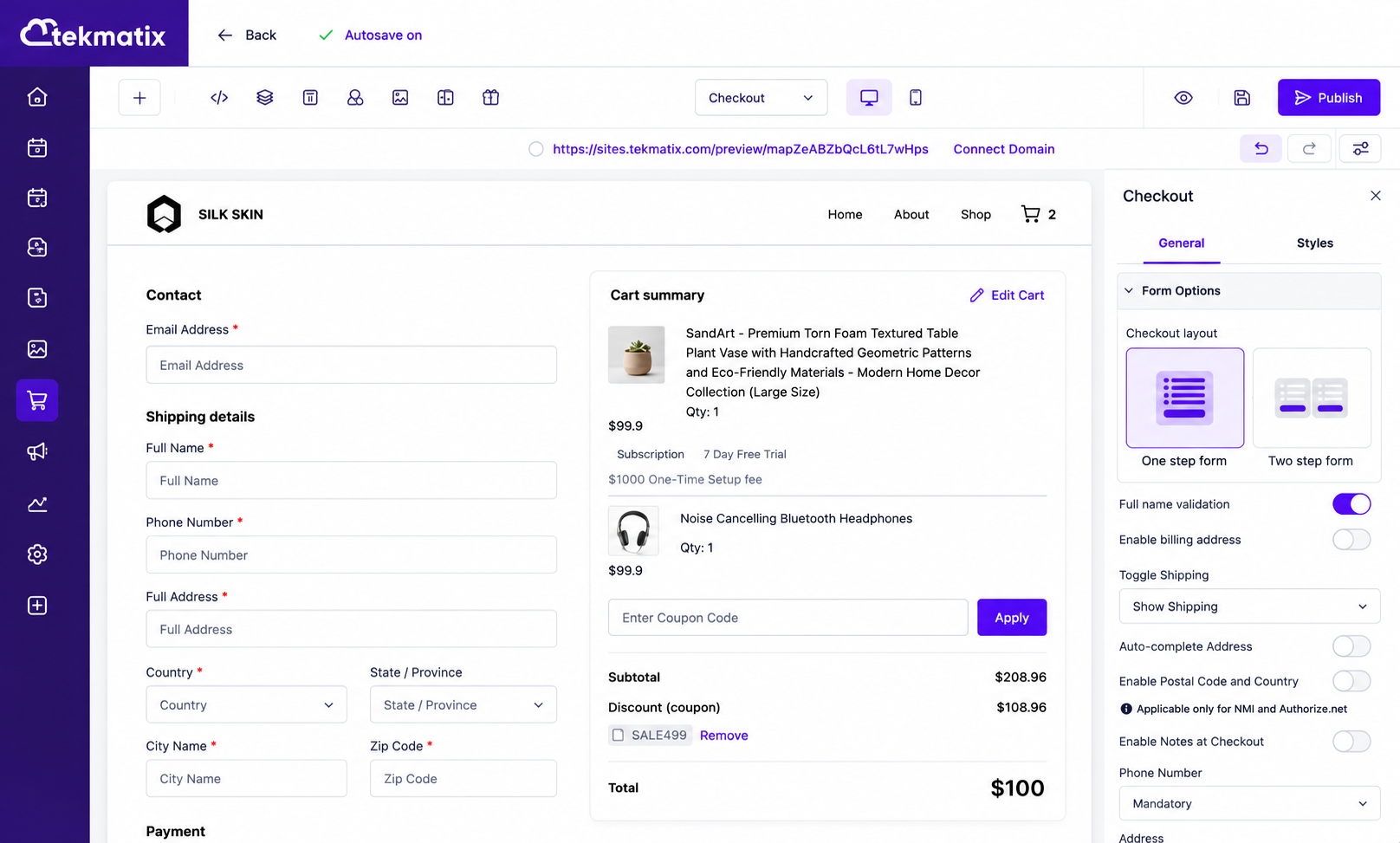
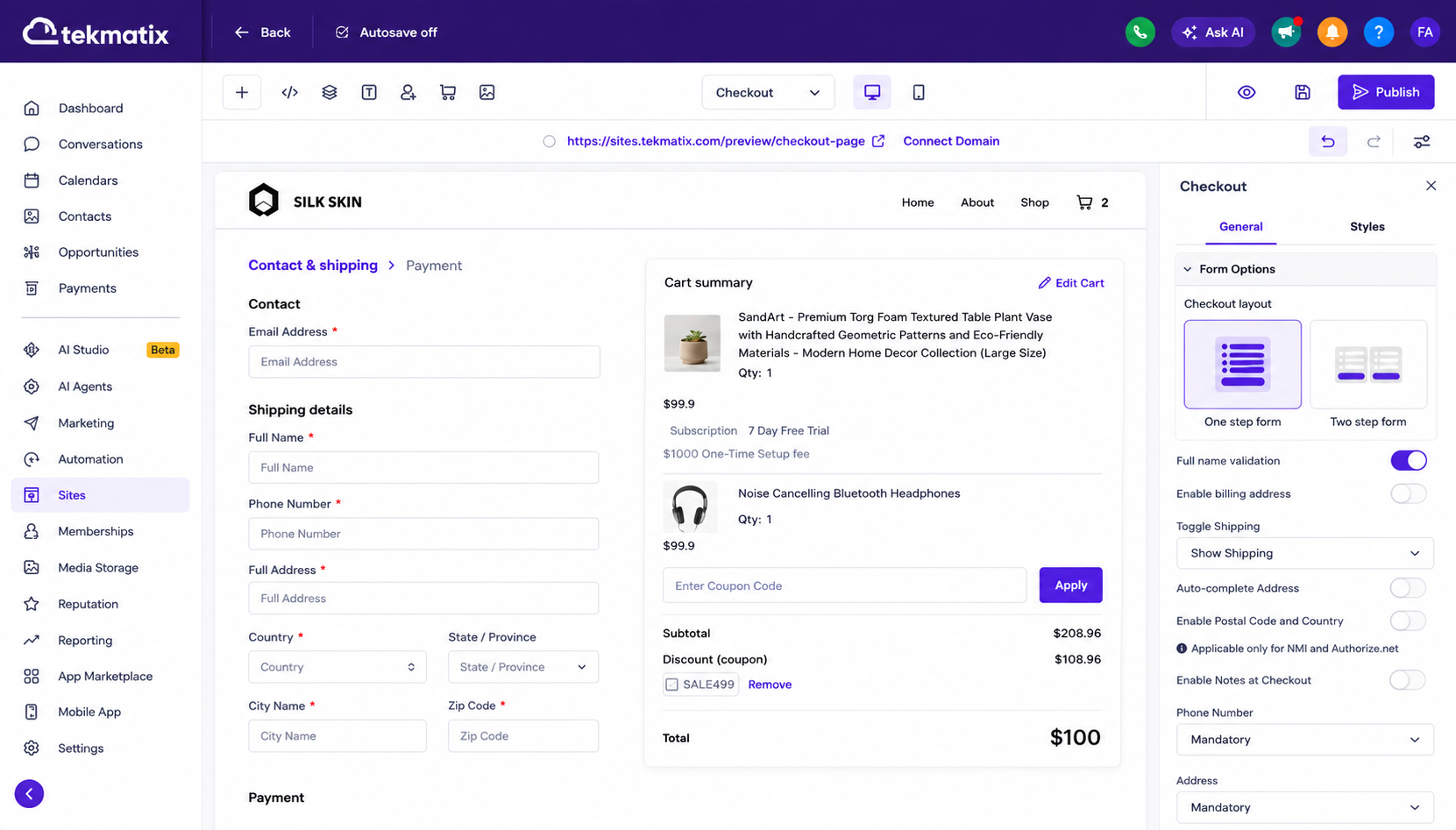
How to Enable Two-Step Checkout
Follow these steps to configure your preferred checkout experience:
Open the Store Builder
Edit your Checkout Page
Select the Checkout Element
Open Form Options in the settings panel
Locate the Checkout Type setting
Choose either:
One-Step Checkout
Two-Step Checkout
Save your changes
Publish the page
Your selected checkout experience will now be active.
Key Benefits of Two-Step Checkout
Capture Customer Information Earlier
Customer contact and shipping details are collected before payment information is requested.
This can help businesses better understand customer intent and improve follow-up opportunities.
Improved Checkout Flow
Breaking the checkout process into two stages can make the experience feel simpler and less overwhelming for customers.
Flexible Page-Level Settings
The Checkout Type setting applies at the individual Checkout element level.
This means you can:
Use One-Step Checkout on some pages
Use Two-Step Checkout on others
Test different checkout experiences for different products or offers
Better Validation Before Payment
Customers can only proceed to Step 2 once all required Step 1 information has been completed correctly, helping improve data accuracy and reduce checkout errors.
Why This Matters
Checkout optimisation is one of the easiest ways to improve conversion performance.
This update allows businesses to:
Create a smoother purchasing experience
Capture customer details earlier
Reduce friction during checkout
Test different conversion strategies
Improve order completion rates
Customise checkout flows for different products and audiences
Buil Better Checkout Experiences with Tekmatix
With support for both One-Step and Two-Step Checkout, Tekmatix gives you greater control over how customers move through the buying process. Whether you prefer a fast single-page checkout or a guided two-step experience, you can now tailor your checkout flow to match your business goals and customer preferences.

Copyright © 2026 TekMatix. All rights reserved | [email protected]