
TekMatix Blog & Help Articles
Use the search bar below to look for help articles you need.
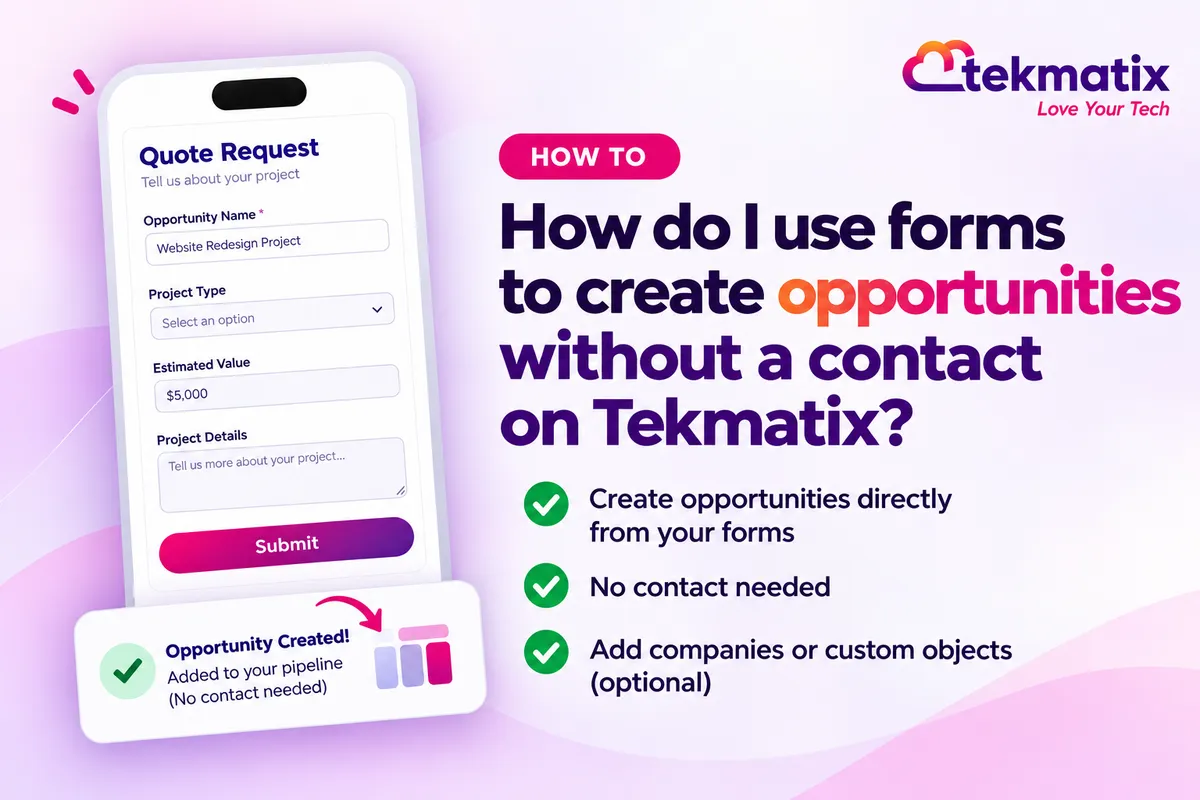
How do I use forms to create opportunities without a contact on Tekmatix?
A partner registers a deal. A business asks for a quote. Someone requests a viewing of a property. You need the deal, the company or the property in your CRM, but you don't necessarily need yet another contact.
Until now, every Tekmatix form had to be built around a contact, so you needed a name, email or phone before anything else could be created. Forms can now create opportunities, companies and custom object records directly, with no contact needed.
Go to Sites, then Forms, open or create a form and remove the default contact fields. Click Add Object Fields, choose Opportunity, and add its fields, including Opportunity Name. Then click Opportunity Name, choose Edit Opportunity Settings, set the pipeline, stage, status and value, and save. This is rolling out now and may not be in every account yet.
What contactless forms can create
A form can now create a record on its own, or two records that are linked together, without creating a contact.
| Form creates | Example |
|---|---|
| An opportunity on its own | A quote request or project enquiry |
| An opportunity and a company | A partner deal registration form |
| An opportunity and a custom object record | A property viewing request that creates a deal and a property |
| A company and a custom object record | A commercial lease enquiry that creates a company and a property |
- Add Object Fields. Choose Opportunity, Company or any custom object, then add its fields to your form.
- Association label. When you add a second object, you choose how the two records link, such as Business, Primary Company or Listing. These labels come from your association settings.
- Set up this opportunity. For opportunity forms, you choose the pipeline, stage, status and opportunity value for every submission.
- On submit. Both records are created and linked with the label you chose. Opportunities land in the stage you picked, with the source set to FORM.
Why this matters for your business
No more placeholder contacts. You don't need to invent a contact just so a deal or company can exist. Your contact list stays clean.
Deals land in your pipeline straight away. A quote request goes directly into the right pipeline and stage, ready for your team to follow up.
Records arrive already linked. When a form creates two records, they're connected with the right label, so nobody has to link them by hand.
One form does the work of several steps. Instead of a contact form plus manual record creation and linking, one form handles it.
Before you start
- A pipeline and stages set up for the opportunities your form will create.
- Any companies or custom objects you want the form to create, already set up in your account.
- The association labels you need, created in Settings, then Objects, then Associations, before you build the form.
- A clear idea of what you want each submission to create: one record, or two linked records.
Which Tekmatix plan do you need?
Forms and the CRM are included on the Starter, Pro and Max plans. This feature is part of a private beta, so it's rolling out gradually and may not be in every account yet. If you can't see Add Object Fields in your form builder, ask our team on live chat.
Compare every plan at tekmatix.com/pricing, or change your plan here.
How to build a form that creates an opportunity without a contact
- Open your formGo to Sites, then Forms, and open or create a form. Remove the default contact fields.
- Add object fieldsClick Add Object Fields, choose Opportunity or Company, and add its fields. If your form has opportunity fields, Opportunity Name is required.
- Add a second record (optional)To create two linked records, switch the object dropdown to Company or a custom object, and add its fields. In the pop-up, choose an association label and click Save. Skip this step if you only want an opportunity.
- Set up the opportunityClick Opportunity Name, then Edit Opportunity Settings. Choose the pipeline, stage, status and value for each submission.
- Save and shareSave your form and share it. You can track entries under Submissions.
A few things to know
- Opportunity Name is required. Any form with opportunity fields needs it.
- The value comes from your settings, not the form. The opportunity value is set in Set up this opportunity. If you want visitors to enter an amount, add an opportunity custom field, such as Proposal Amount.
- Create your labels first. Association labels need to exist in Settings, then Objects, then Associations, before you can choose them in the form.
- It's still in beta. Features and options may change as it rolls out.
Test it before you share it.
Open your form's live link and submit a test entry. Then check Submissions to see the entry. Open your pipeline and check the new opportunity is in the stage you chose, with the source showing as FORM. If your form also creates a company or custom object, open that record and check it's linked to the opportunity with the right label. Finally, check no new contact was created.
Five ways to actually use this
- Turn quote requests into deals. Build a quote request form with opportunity fields only, and send every submission straight into a "New quote" stage in your pipeline.
- Let partners register deals. Use an opportunity and company form so referral partners can register a deal and the business it's for in one go.
- Capture property or asset enquiries. If you track properties, vehicles or equipment as custom objects, use an opportunity and custom object form so each enquiry creates the deal and the item together.
- Collect business details without a person. A company and custom object form works well for things like commercial lease enquiries, where the business matters more than the individual.
- Capture the amount properly. Add an opportunity custom field like Proposal Amount or Budget to your form, so you see what the visitor expects to spend.
Want it done for you?
A form that drops deals into your pipeline works best when the pipeline, follow-up and paperwork are ready to go. If you'd rather hand that over, our Teksperts can build it into your Tekmatix account.
Contracts, Proposals & Invoicing
Once a quote request lands as a deal, you'll want to send a proposal. We set up a master contract with e-signature fields, a proposal template and an invoice template, plus a proposal follow-up workflow, a contract-signed workflow and a three-stage invoice reminder sequence. Deals move from enquiry to paid with less chasing.
See Contracts, Proposals & InvoicingQuick Account Set-Up
A private 90 minute session with a Tekspert on a shared screen. We build a customer journey pipeline around your offers, set up email sending on your own domain, verify your contacts, and set up tags, a smart mailing list and your booking calendars. You keep the recording and transcript, and anything not finished live is completed for you afterwards.
See Quick Account Set-UpSales Funnel System
Give your form a page that sells. We build a three-step funnel (landing or sales page, checkout and thank-you page) in your branding, plus a purchase workflow and an abandoned cart recovery workflow. It's yours to edit and clone for every offer after it.
See the Sales Funnel SystemSee every done-for-you package at tekmatix.com/services.
Frequently asked questions
Can a form create an opportunity without creating a contact?
Yes. A form with only opportunity fields creates an opportunity with no contact.
What combinations of records can one form create?
An opportunity on its own, an opportunity and a company, an opportunity and a custom object record, or a company and a custom object record.
Is Opportunity Name required?
Yes, on any form that has opportunity fields.
Where do I set the pipeline and stage?
Click Opportunity Name in the form builder, then Edit Opportunity Settings. Choose the pipeline, stage, status and value there.
Can visitors enter the opportunity value?
The opportunity value comes from Set up this opportunity, not the form. To capture an amount from the visitor, add an opportunity custom field such as Proposal Amount.
How are the two records linked?
When you add a second object, you choose an association label, such as Business, Primary Company or Listing. Both records are created and linked with that label when the form is submitted.
What source do these opportunities show?
Opportunities created this way show the source FORM.
Is this available in every Tekmatix account?
Not yet. It's part of a private beta and is rolling out gradually, so it may not be in every account yet.
Do I need to be on a particular Tekmatix plan?
Forms and the CRM are included on the Starter, Pro and Max plans. Because this feature is in private beta, it may not be in your account yet, whatever your plan. You can compare the plans here and change your plan here.
Do contactless forms cost extra?
There's no separate usage charge listed for forms. They're part of your Tekmatix subscription. If you add follow-up workflows, those actions are billed as usual. You can see all current usage pricing at tekmatix.com/rebilling.
Need a hand?
Free daily group training
Jump on a free group session with a Tekspert and build your first contactless form live.
Book free trainingHire a Tekspert for 60 minutes
Share your screen and we'll set up your form, pipeline and association labels with you.
Book a Tekspert15 minute advanced tech support
Got one quick question, like why a submission isn't creating an opportunity? A focused 15 minutes sorts it out.
Book 15 minutes24/7 live chat
Our team is on live chat around the clock, right inside your Tekmatix account.
Get supportNot every enquiry starts with a person. Now your forms can start with the deal, the company or the thing being asked about, and put it straight where it belongs.
Happy Tekkin'!

Copyright © 2026 TekMatix. All rights reserved | [email protected]