
TekMatix Blog & Help Articles
Use the search bar below to look for help articles you need.
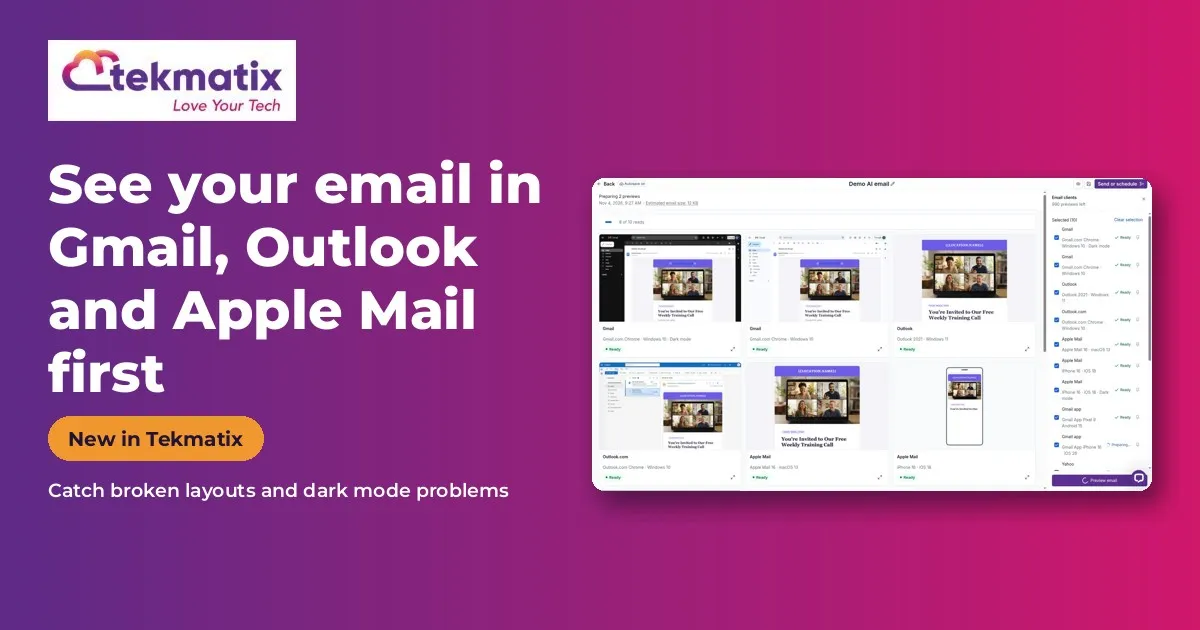
How to Preview Your Email in Gmail, Outlook and Apple Mail Before You Send It in Tekmatix
Quick answer: Inbox Preview shows you how your email actually looks in real email apps like Gmail, Outlook and Apple Mail, side by side, so you can catch broken layouts and dark mode problems before you hit send. Switch it on in Labs, then open the Inbox Preview section in the email builder.
What it does
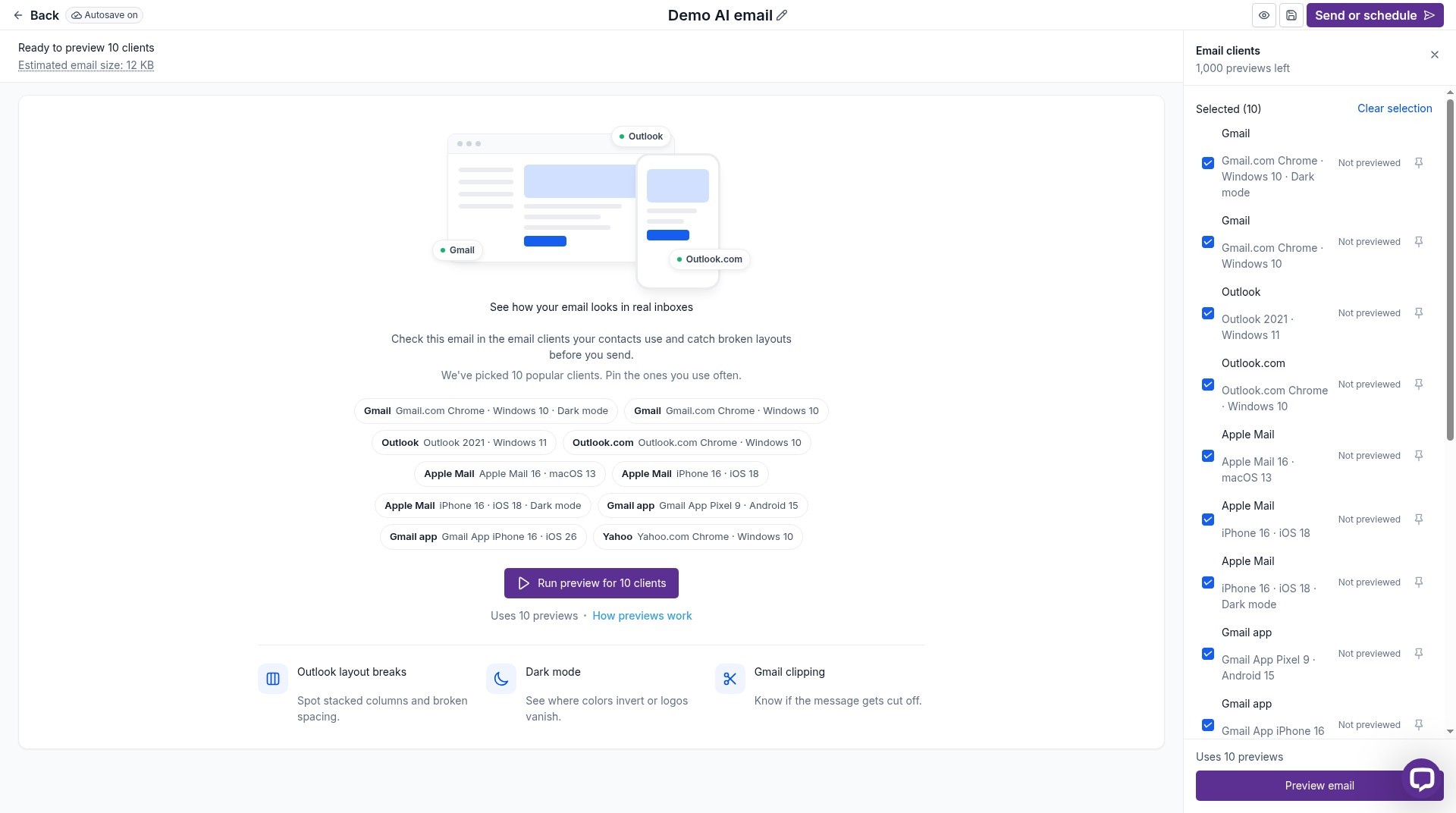
A phone or desktop preview is a guess. Inbox Preview renders your email in the real email apps your customers use.
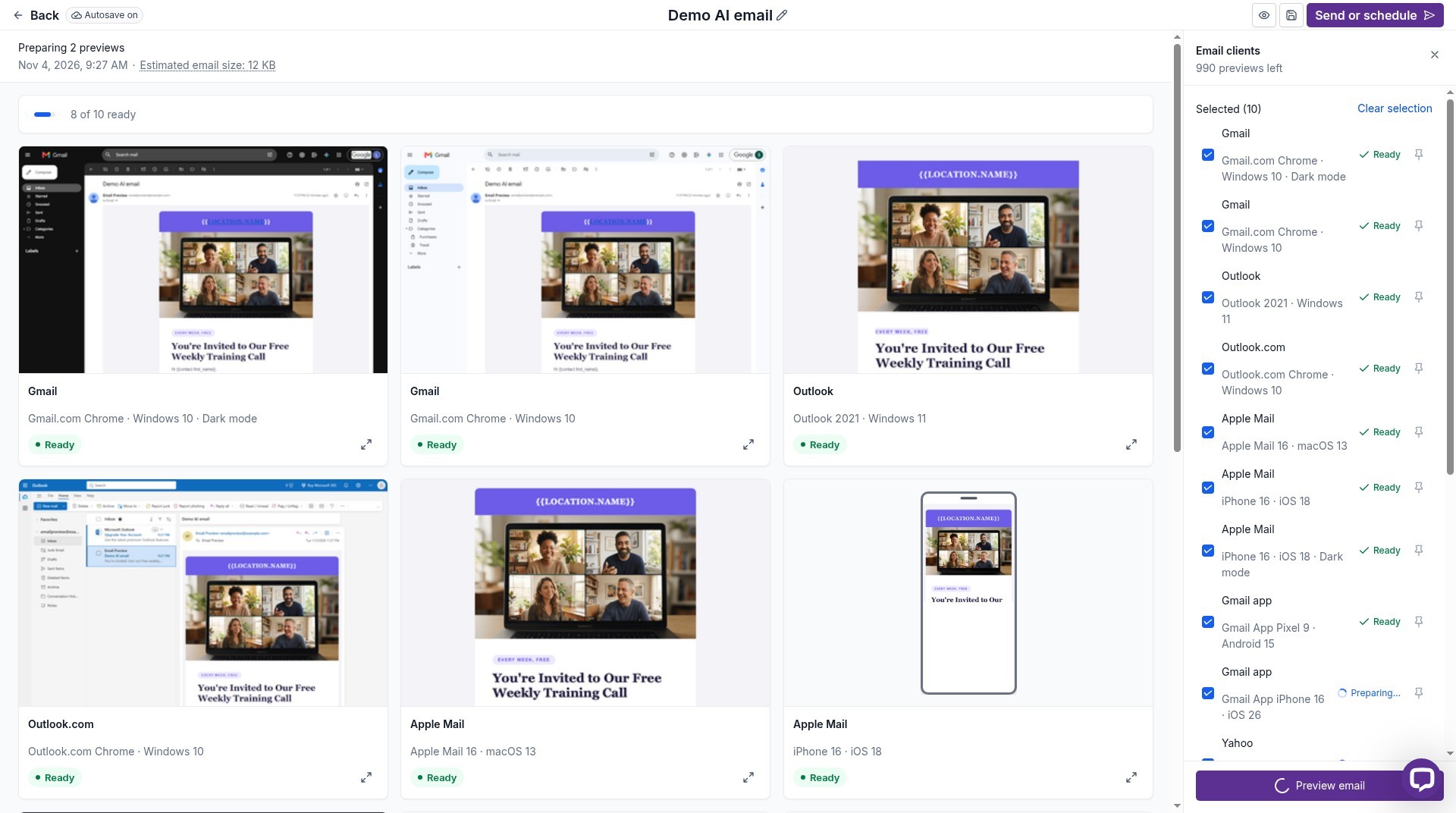
It's especially handy for spotting dark mode surprises, like a logo that disappears on a black background.
Why you'll love it
Made for anyone who sends email campaigns.
- No more embarrassing broken emails
- Check dark mode before your customers do
- Compare several email apps at once
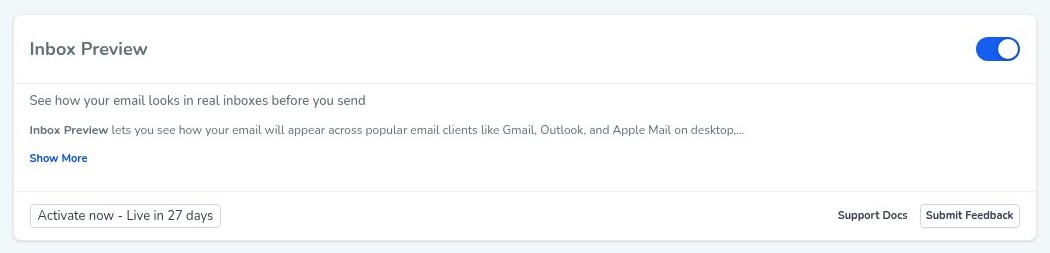
Step 1: Switch it on
This is an early access feature. You can switch it on now in Labs, before it's automatically rolled out to every account. While you're in Labs, have a look around. There are other new features you can switch on early too.
Step 2: Set it up, step by step
Or just tell your AI
Use Ask AI inside Tekmatix, or your own AI (Claude, ChatGPT or GrokBot) connected to your account. It shows you what it will do before it does it.
- Previews are generated on request, so allow a moment for them to load.
- Because it's early access, you may see small improvements to the screens as it rolls out to every account.
You stay in control. Your AI shows you what it will do and asks before it creates, changes, deletes or sends anything.
Frequently asked questions
Which email apps can I preview?
Real email clients such as Gmail, Outlook and Apple Mail.
Does it show dark mode?
It helps you catch dark mode formatting problems before you send.
Is it the same as mobile view?
No. Mobile view is a simulation. Inbox Preview shows real email apps.
Want to see what else is new? Read all the new features in Tekmatix and how to use Meeting Rooms.
Want a hand setting it up?
Already a Tekmatix customer? Jump on one of our free daily training calls and a Tekspert will switch it on and walk you through it, live.
Book a free training callNot on Tekmatix yet? Tekmatix is the all-in-one business platform you run by talking to AI. One subscription, unlimited users, and real human Teksperts 24/7.
See how Tekmatix worksSarah x
Warning: you may get addicted to your productivity.

Copyright © 2026 TekMatix. All rights reserved | [email protected]