
TekMatix Blog & Help Articles
Use the search bar below to look for help articles you need.
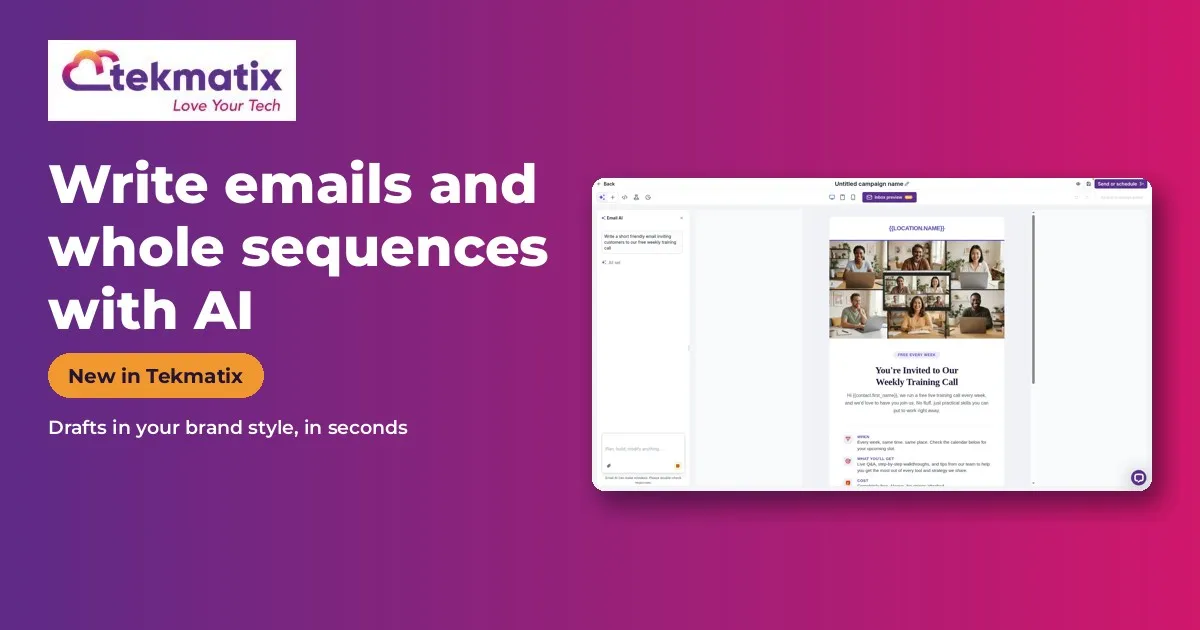
How to Write Email Campaigns and Whole Sequences With AI in Tekmatix
Quick answer: Tekmatix email marketing now has three AI helpers: an AI editor that drafts and polishes emails in your brand style, an Email Sequences tool that builds a whole multi-email journey from one goal, and AI-powered A/B testing that creates variations and picks the winner by opens or clicks. Switch on Email AI - AI Editor and Email AI Sequence in Labs.
What it does
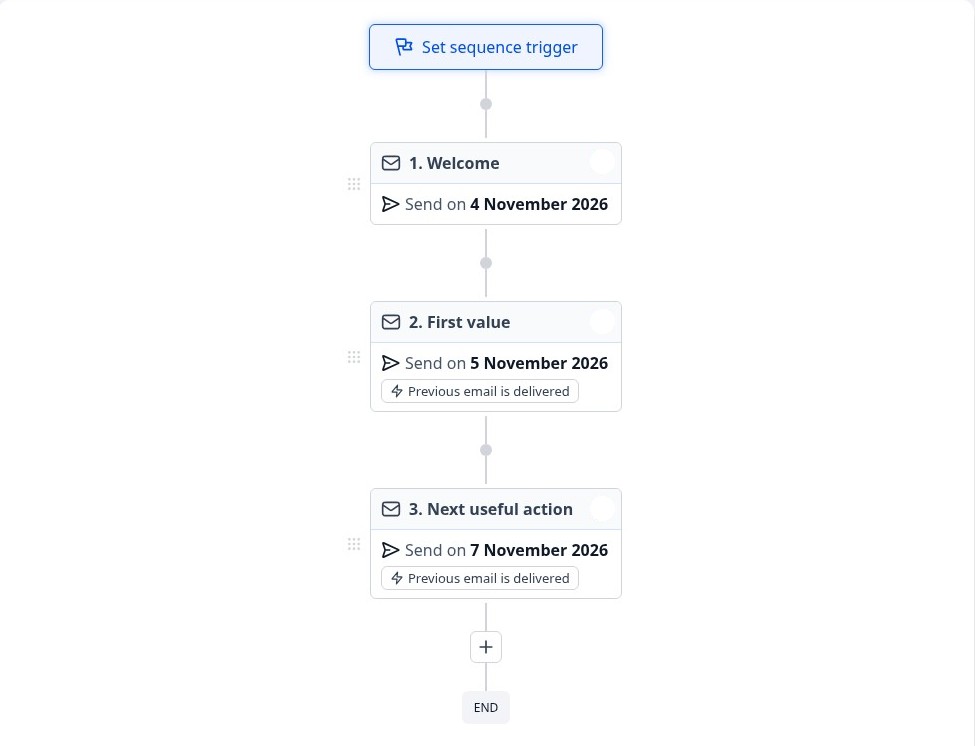
Tell it the goal, such as 'welcome new subscribers and invite them to book a call', and it writes the sequence for you to review.
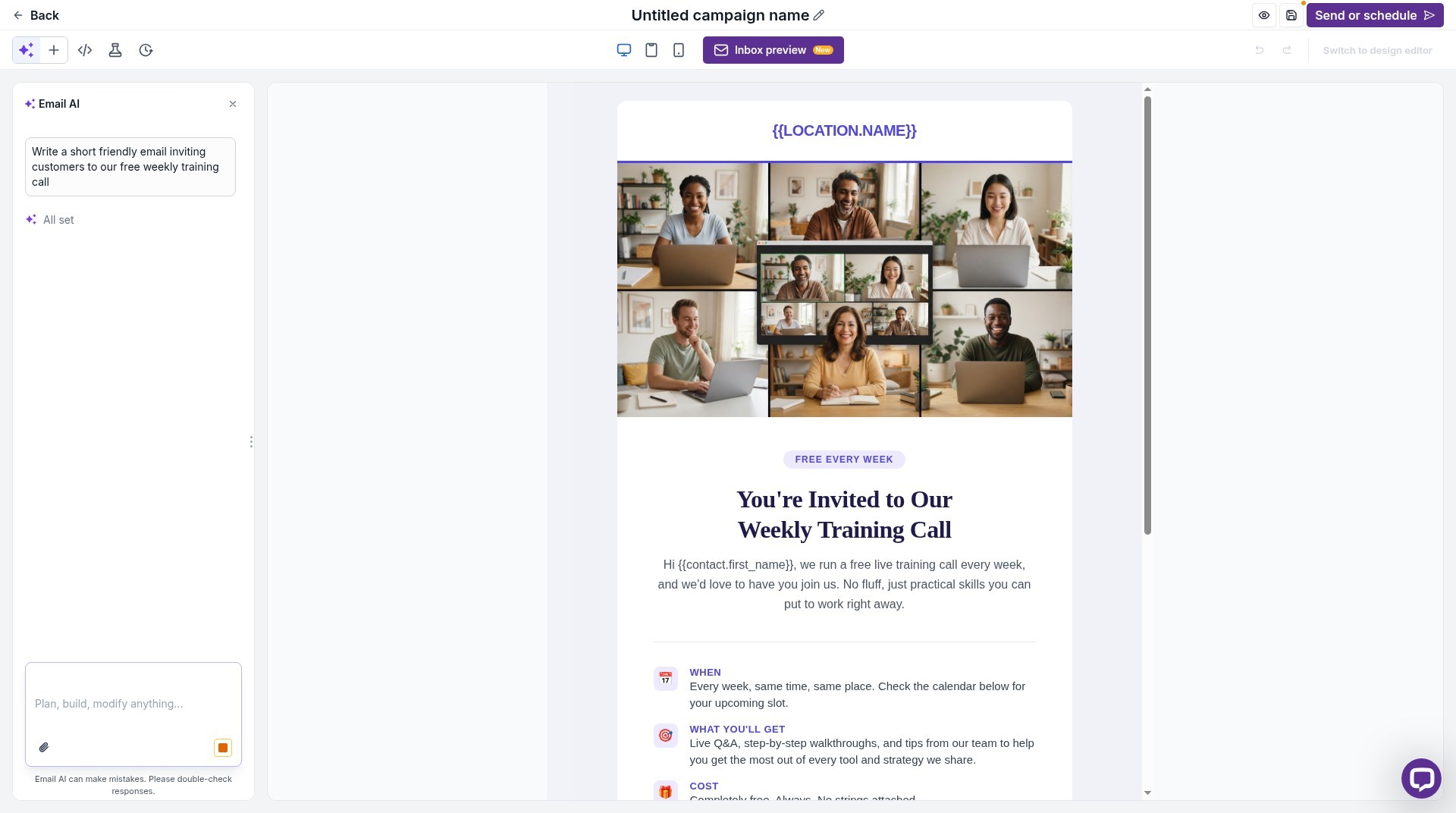
The AI editor uses your Brand Board, so emails come out in your colours and style.
Why you'll love it
Made for anyone who writes email campaigns.
- Write campaigns in minutes
- A whole nurture sequence from one sentence
- Better subject lines without guessing
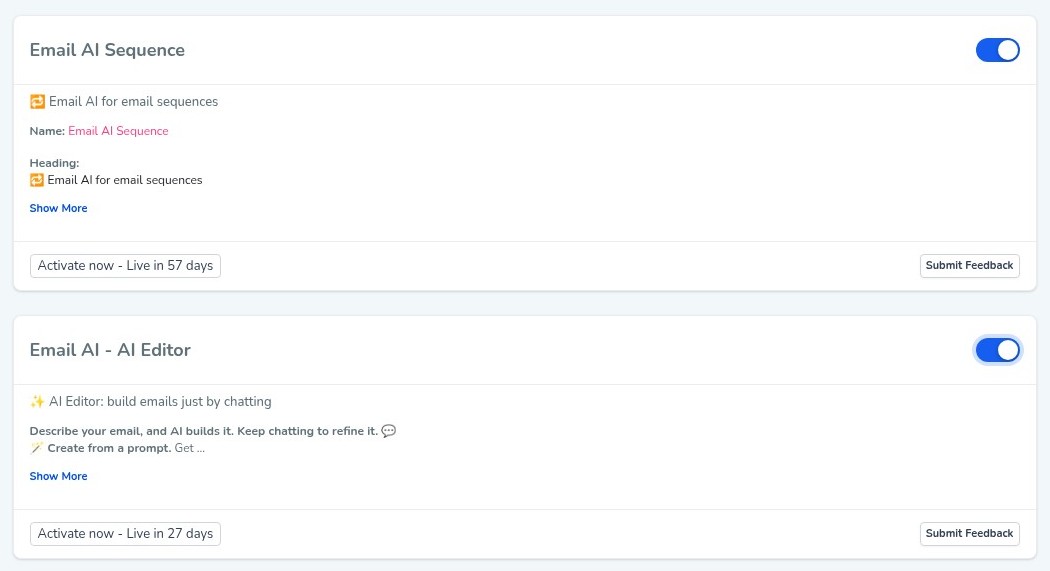
Step 1: Switch it on
This is an early access feature. You can switch it on now in Labs, before it's automatically rolled out to every account. While you're in Labs, have a look around. There are other new features you can switch on early too.
Step 2: Set it up, step by step
Or just tell your AI
Use Ask AI inside Tekmatix, or your own AI (Claude, ChatGPT or GrokBot) connected to your account. It shows you what it will do before it does it.
- Always read AI-written emails before they go out.
- AI usage and emails are pay as you go.
- Because it's early access, you may see small improvements to the screens as it rolls out to every account.
You stay in control. Your AI shows you what it will do and asks before it creates, changes, deletes or sends anything.
Frequently asked questions
Does it use my branding?
Yes, the AI editor uses your Brand Board.
Can it write a whole sequence?
Yes, from a single goal.
Can it A/B test?
Yes, AI-powered A/B testing creates variations and optimises by open or click rate.
Want to see what else is new? Read all the new features in Tekmatix and how to use Meeting Rooms.
Want a hand setting it up?
Already a Tekmatix customer? Jump on one of our free daily training calls and a Tekspert will switch it on and walk you through it, live.
Book a free training callNot on Tekmatix yet? Tekmatix is the all-in-one business platform you run by talking to AI. One subscription, unlimited users, and real human Teksperts 24/7.
See how Tekmatix worksSarah x
Warning: you may get addicted to your productivity.

Copyright © 2026 TekMatix. All rights reserved | [email protected]