
TekMatix Blog & Help Articles
Use the search bar below to look for help articles you need.
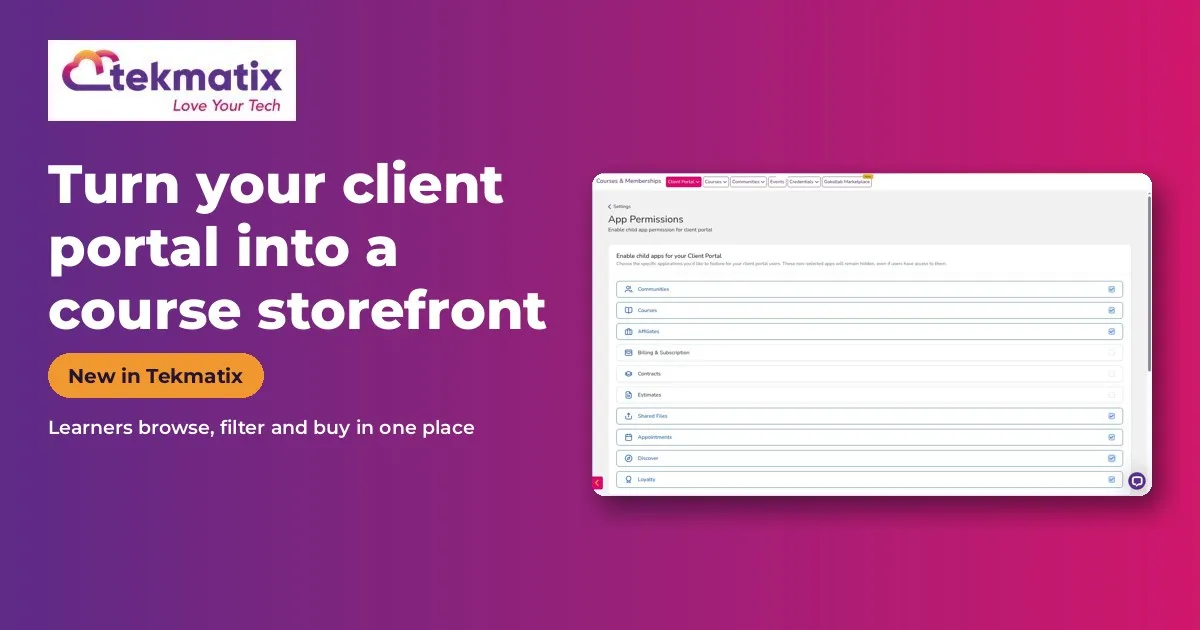
How to Turn Your Tekmatix Client Portal Into a Course Storefront With Discover
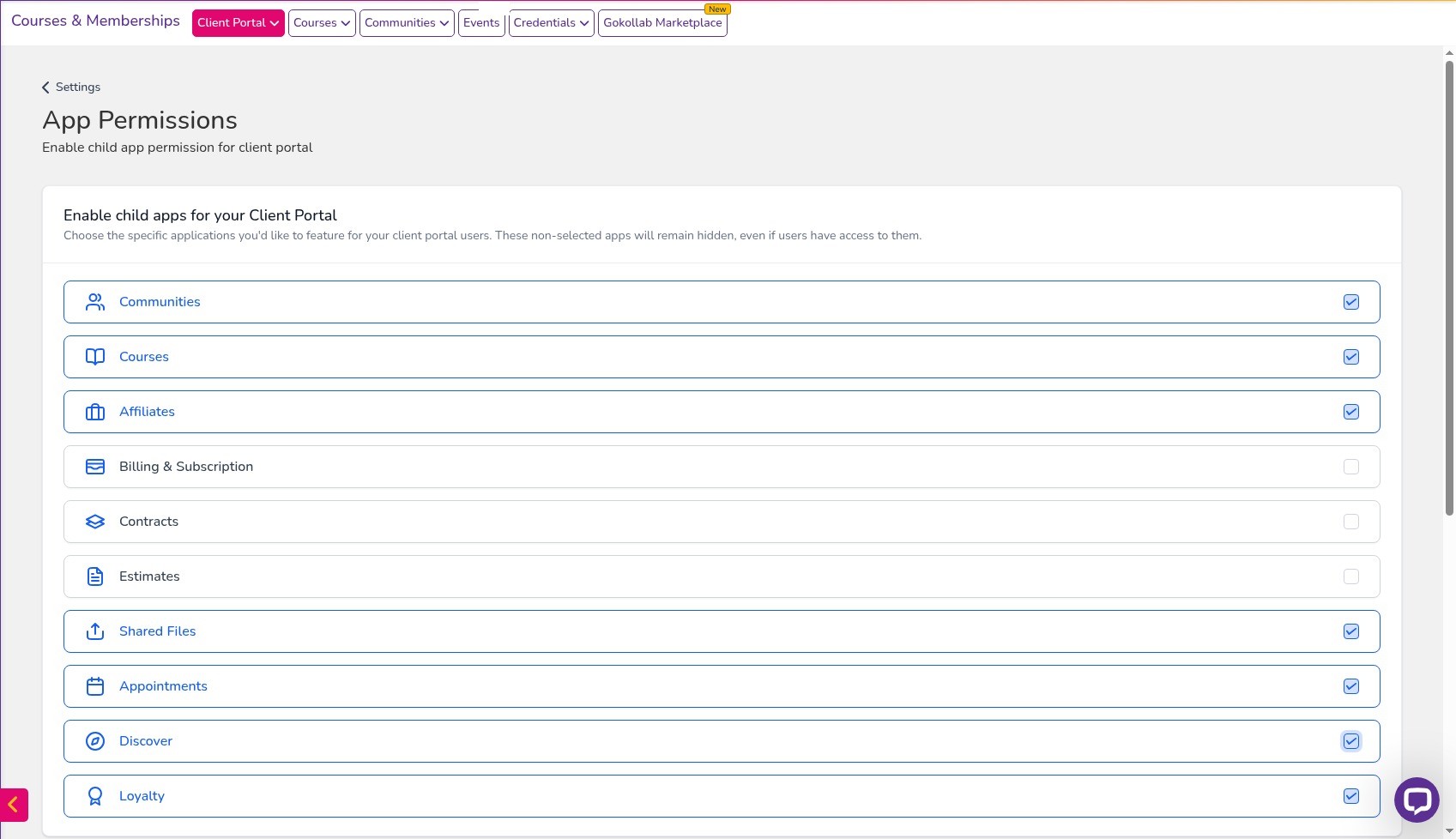
Quick answer: Discover turns your Tekmatix client portal into a storefront. Learners can browse, filter and buy your courses, offers and communities, and every card goes straight to checkout. Switch it on in Labs, turn on Discover in your client portal app permissions, then choose which courses and offers show in Discover.
What it does
Instead of sending people to separate sales pages for every course, Discover gives your learners one place to see everything you sell. They can filter by price, language, difficulty or topic tags.
You choose exactly which courses and offers appear, so you can keep private programs hidden.
Why you'll love it
Made for course creators, membership owners and educators.
- Existing students find and buy your next course without hunting for links
- More sales from the people who already trust you
- No extra storefront software
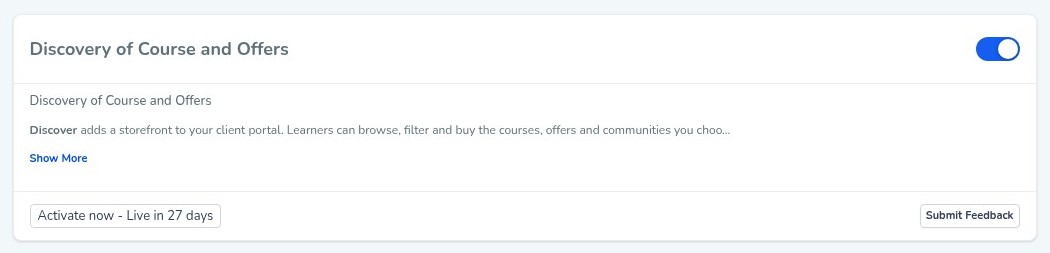
Step 1: Switch it on
This is an early access feature. You can switch it on now in Labs, before it's automatically rolled out to every account. While you're in Labs, have a look around. There are other new features you can switch on early too.
Step 2: Set it up, step by step
Or just tell your AI
Use Ask AI inside Tekmatix, or your own AI (Claude, ChatGPT or GrokBot) connected to your account. It shows you what it will do before it does it.
- Add topic tags, difficulty and language to your courses so the filters are useful.
- Because it's early access, you may see small improvements to the screens as it rolls out to every account.
You stay in control. Your AI shows you what it will do and asks before it creates, changes, deletes or sends anything.
Frequently asked questions
Can I hide some courses from Discover?
Yes. Only the courses and offers you switch to Show in Discover appear.
What happens when a learner clicks a course?
They go straight to checkout.
Can learners filter what they see?
Yes, by price, language, difficulty or topic tags.
Why can't I turn on Show in Discover?
Set a price on the course first, in Product Builder > Pricing. Then the switch becomes available.
Want to see what else is new? Read all the new features in Tekmatix and how to use Meeting Rooms.
Want a hand setting it up?
Already a Tekmatix customer? Jump on one of our free daily training calls and a Tekspert will switch it on and walk you through it, live.
Book a free training callNot on Tekmatix yet? Tekmatix is the all-in-one business platform you run by talking to AI. One subscription, unlimited users, and real human Teksperts 24/7.
See how Tekmatix worksSarah x
Warning: you may get addicted to your productivity.

Copyright © 2026 TekMatix. All rights reserved | [email protected]