
TekMatix Blog & Help Articles
Use the search bar below to look for help articles you need.
How to See Where Students Stop Watching Your Course Videos in Tekmatix
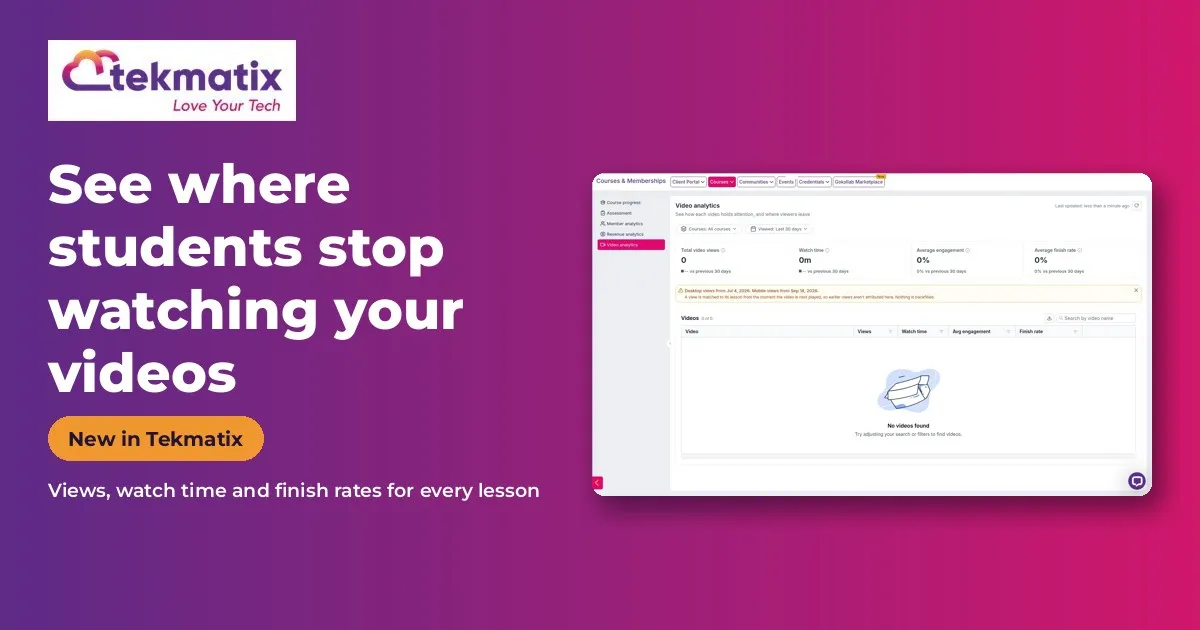
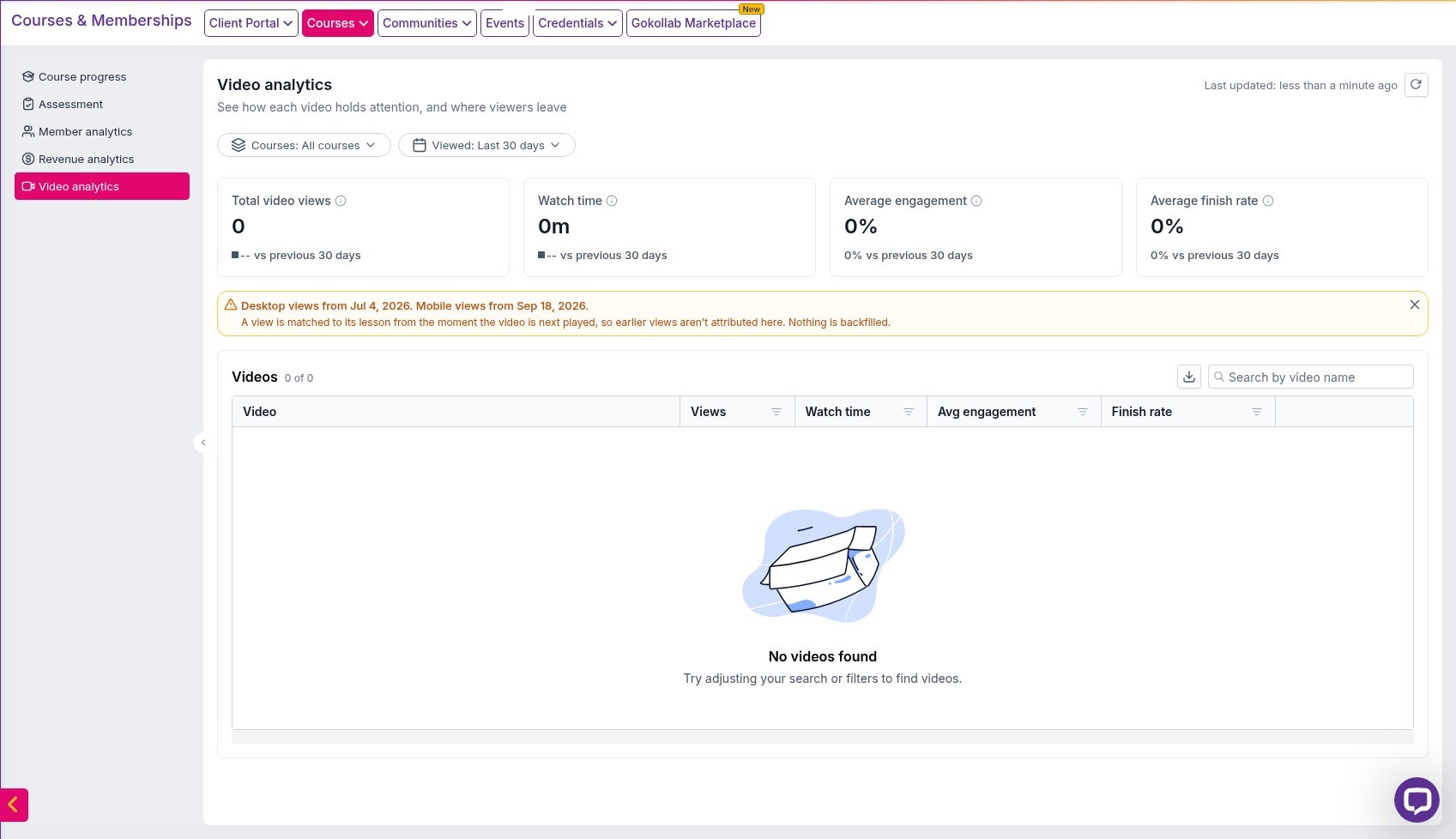
Quick answer: Video analytics shows you how students watch the videos in your Tekmatix courses: views, watch time, engagement and finish rates. Switch on Courses Video Analytics in Labs, then go to Courses & Memberships > Courses > Analytics > Video analytics. The stats fill in once students start watching.
What it does
If students aren't finishing your course, this tells you exactly where they stop. You'll see which videos lose people and at what minute.
The AI insights explain it in plain English and suggest what to change, such as shortening a long intro or splitting a lesson.
Why you'll love it
Made for course creators and educators.
- Find the exact lesson where students give up
- Improve completion rates, testimonials and repeat sales
- Get suggestions without being a data person
Step 1: Switch it on
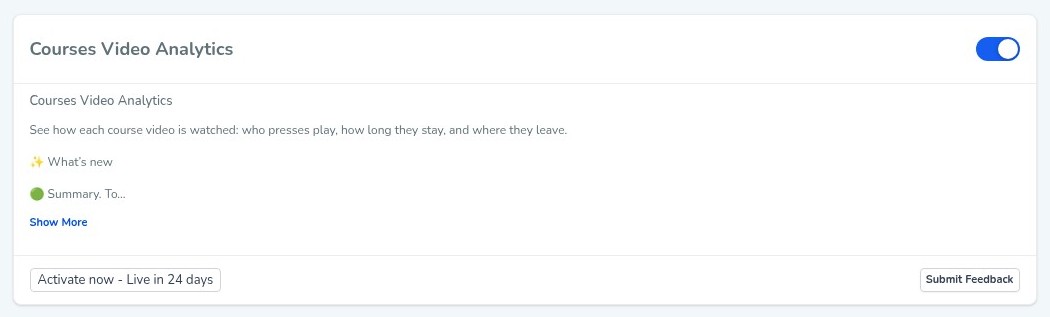
This is an early access feature. You can switch it on now in Labs, before it's automatically rolled out to every account. While you're in Labs, have a look around. There are other new features you can switch on early too.
Step 2: Set it up, step by step
Or just tell your AI
Use Ask AI inside Tekmatix, or your own AI (Claude, ChatGPT or GrokBot) connected to your account. It shows you what it will do before it does it.
- Videos embedded from other platforms, such as YouTube or Vimeo, may not show the same analytics.
- Because it's early access, you may see small improvements to the screens as it rolls out to every account.
You stay in control. Your AI shows you what it will do and asks before it creates, changes, deletes or sends anything.
Frequently asked questions
Which videos does it track?
Videos uploaded natively to your Tekmatix courses.
Why is my video analytics page empty?
The stats fill in once students start watching. Views are counted from when the feature started tracking, so earlier views aren't added.
Can I filter by course?
Yes, by course and by date range.
Want to see what else is new? Read all the new features in Tekmatix and how to use Meeting Rooms.
Want a hand setting it up?
Already a Tekmatix customer? Jump on one of our free daily training calls and a Tekspert will switch it on and walk you through it, live.
Book a free training callNot on Tekmatix yet? Tekmatix is the all-in-one business platform you run by talking to AI. One subscription, unlimited users, and real human Teksperts 24/7.
See how Tekmatix worksSarah x
Warning: you may get addicted to your productivity.

Copyright © 2026 TekMatix. All rights reserved | [email protected]