
TekMatix Blog & Help Articles
Use the search bar below to look for help articles you need.
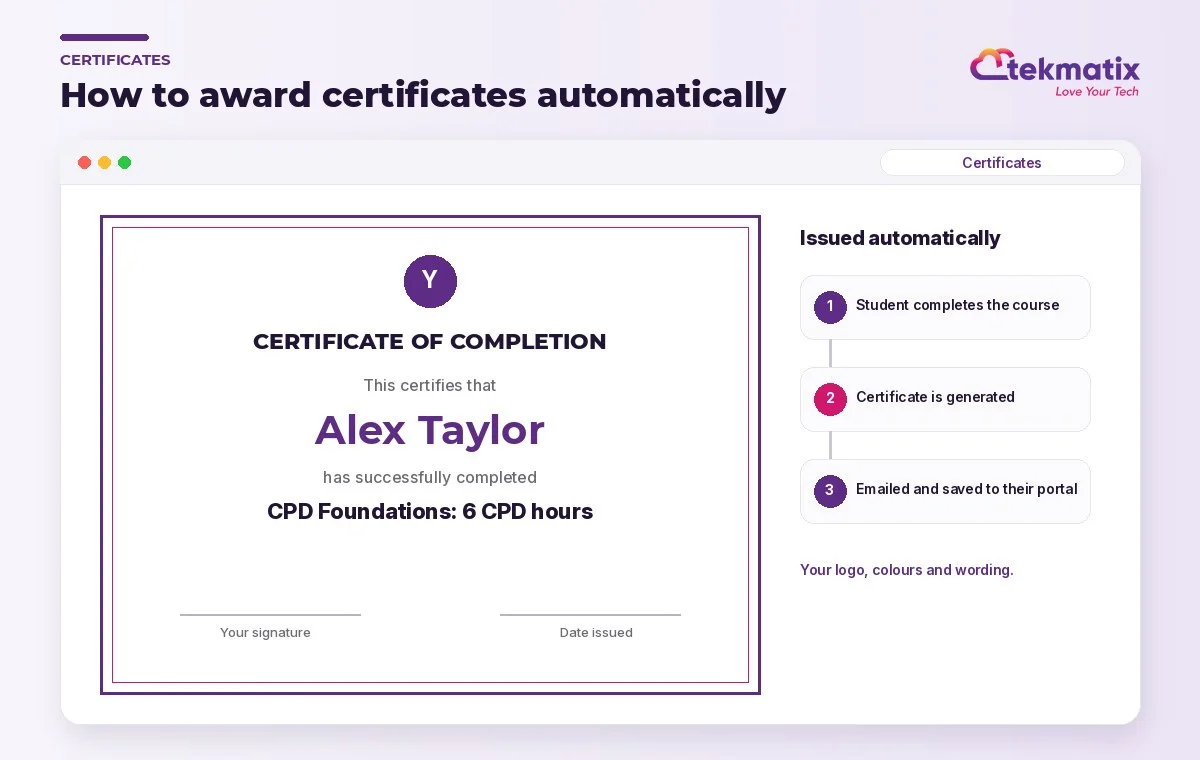
How to See Which Course Certificates and Badges Your Students Use in Tekmatix
You put real effort into your course certificates and badges. But do your students actually download them? Do they share them on LinkedIn? Or are they sitting unopened in a portal somewhere?
Now you can find out. Tekmatix has a new Analytics page under Credentials that shows which certificates and badges your students earn, download and share, all in one place. And if you'd rather not log in to check, you can have a recap emailed to you on the 1st of every month.
If you sell courses, this sits nicely alongside everything else Tekmatix does for you: unlimited courses, unlimited students and unlimited resources, all your video hosting, and your AI managing your course portal for you so you don't have to log in.
What is new
- A dedicated Analytics page under Credentials, with one-click CSV export.
- Key numbers: credentials awarded, unique recipients, downloads and social shares.
- Template insights: issued vs not-issued templates, your top templates, badges vs certificates, and where each credential was issued from.
- Monthly summary email: an optional recap of last month, delivered to your inbox on the 1st.
What AI should I use?
The prompts below work in Ask AI (the AI assistant built into your Tekmatix dashboard), GrokBot, Claude, ChatGPT or any other AI you have connected to your Tekmatix account. If you don't already pay for an outside AI and don't want another subscription, start with Ask AI. Your AI can read your course and student data in your Tekmatix account and turn the numbers into actions, such as nudging students who earned a certificate but never downloaded it.
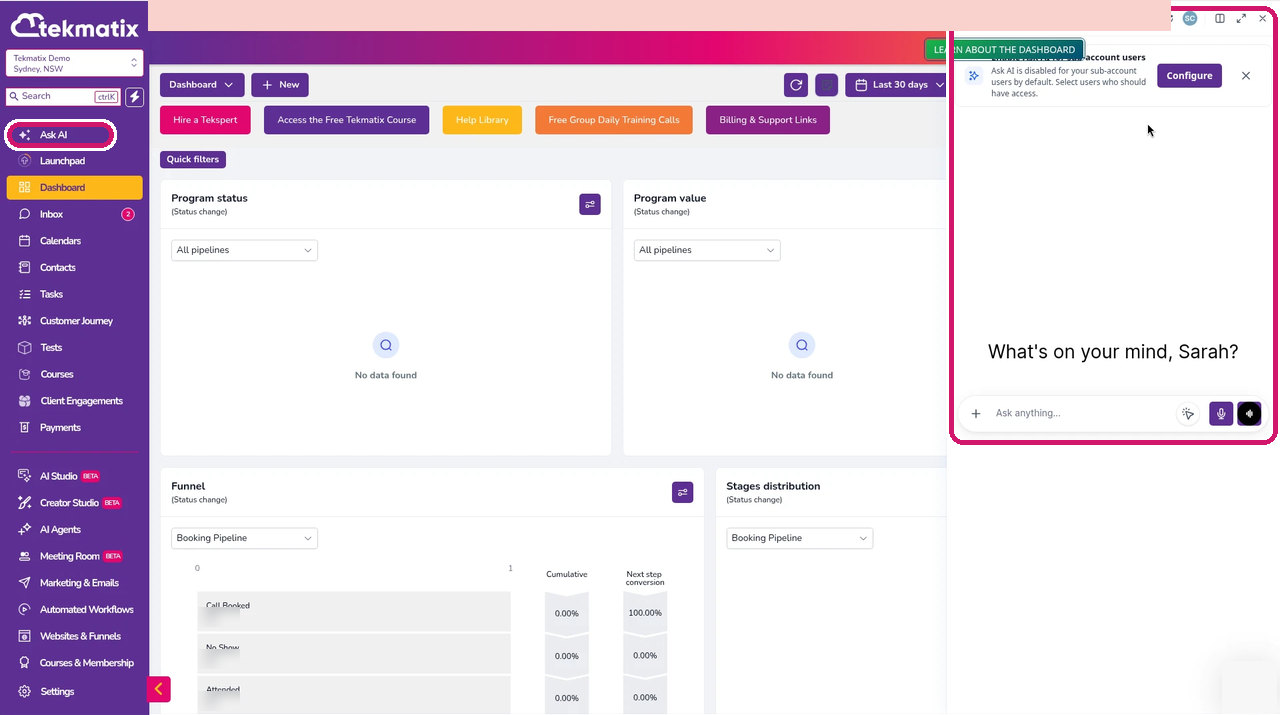
*Tekmatix AI usage applies as a billable consumable. You can find out more about pricing on our public page: tekmatix.com/pricing.
How to check your certificate and badge analytics
- Go to Memberships (or Client Apps), then Credentials.
- Click Analytics.
- Review credentials awarded, unique recipients, downloads and social shares.
- Scroll to the template insights to see your top templates and any you have built but never issued.
- Click Export CSV if you want the data in a spreadsheet.
- Turn on the monthly summary email so your recap lands in your inbox on the 1st.
Prompts you can copy
Prompt to copy into Ask AI, GrokBot, Claude or ChatGPT (understand the numbers)
Taking everything you know about me and access to all of the data and systems you already have, log into my Tekmatix account and look at my courses, students and the certificates and badges they have earned. Tell me which courses have the highest and lowest completion, which credentials students download and share the most, and which certificate templates I've built but never issued. Explain it simply and give me three things to improve.
Prompt to copy into Ask AI, GrokBot, Claude or ChatGPT (nudge students to share)
Taking everything you know about me and access to all of the data and systems you already have, log into my Tekmatix account and find students who completed a course in the last 30 days. Draft a short, warm congratulations email in my Brand Voice that reminds them to download their certificate, shows them how to add it to LinkedIn, and includes their course login link. Show me the draft and the list of recipients before anything is sent.
Prompt to copy into Ask AI, GrokBot, Claude or ChatGPT (turn completions into social proof)
Taking everything you know about me and access to all of the data and systems you already have, log into my Tekmatix account, check how many students earned a certificate in each of my courses last month, and draft a Social Planner post celebrating our graduates (no names unless they have publicly shared) that invites new students to enrol. Save it as a draft for me to approve.
Good to know
- The monthly summary email is optional. Switch it on if you want the numbers to come to you.
- Use the CSV export for your own reporting, or to share results with a client if you run courses for them.
- Shares and downloads show you whether a credential is valued. If a template is rarely downloaded, refresh the design or what it represents.
- Only ever share a student's name or certificate publicly with their permission.
Ideas for using it
- Spot unused templates early, then refresh or retire them.
- Use high share rates as proof in your course sales page ("hundreds of students have shared their certificate").
- Follow up students who earned a certificate but never downloaded it.
- Compare badges vs certificates to see which your students value more.
Want a hand setting it up?
- Free live training calls, Monday to Friday: jump on one of our free daily training calls and set it up alongside a Tekmatix expert. Book a free training call
Love Your Tech.

Copyright © 2026 TekMatix. All rights reserved | [email protected]